


pika-2-2/image-to-video
AI effects for engaging social & entertainment clips.
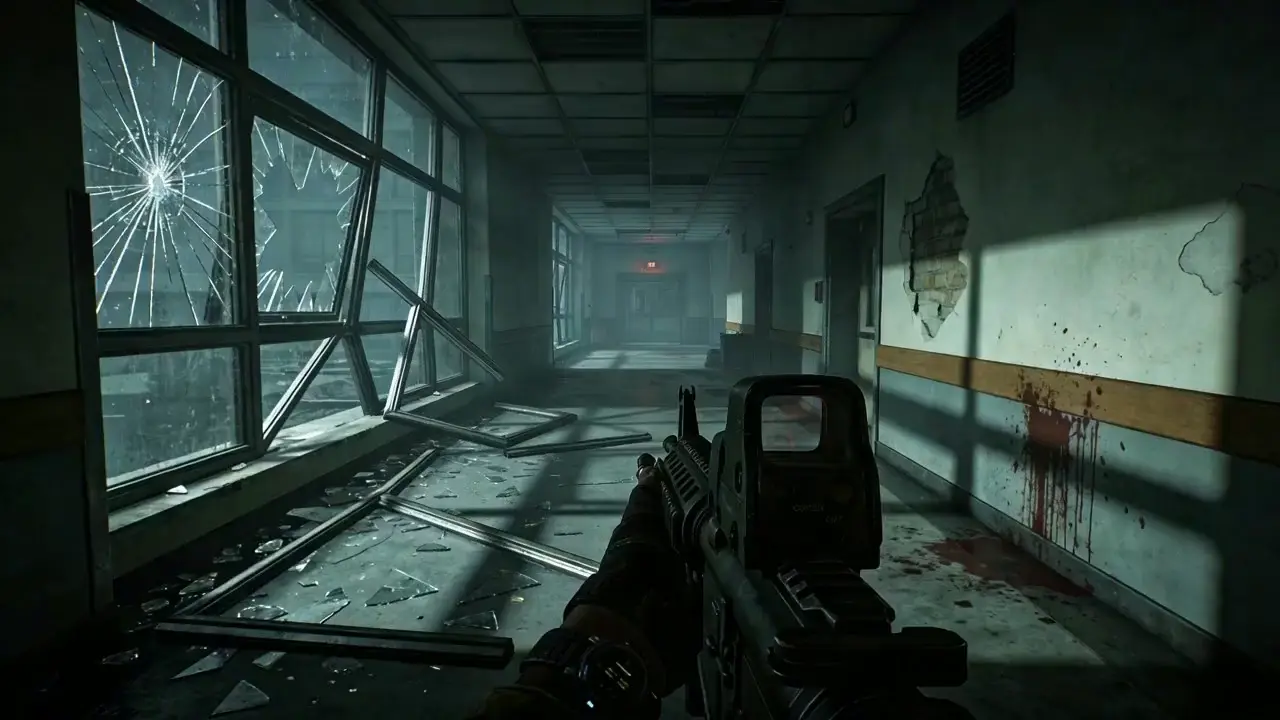
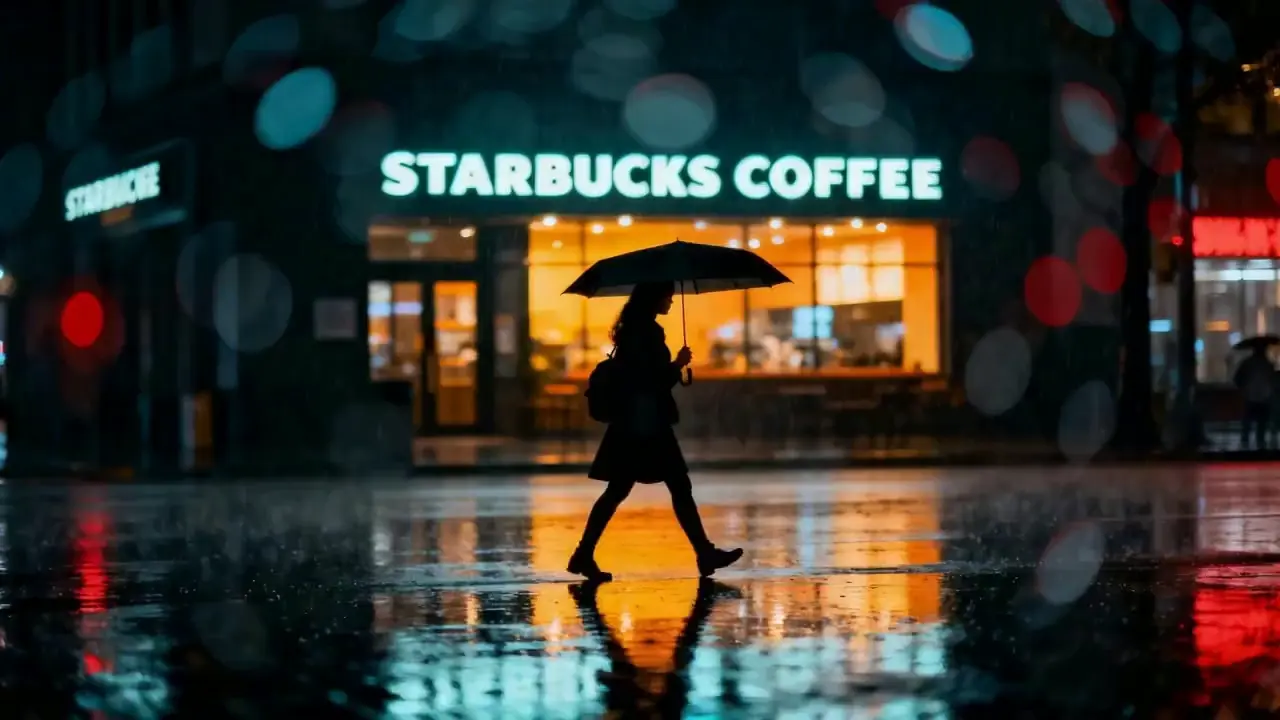
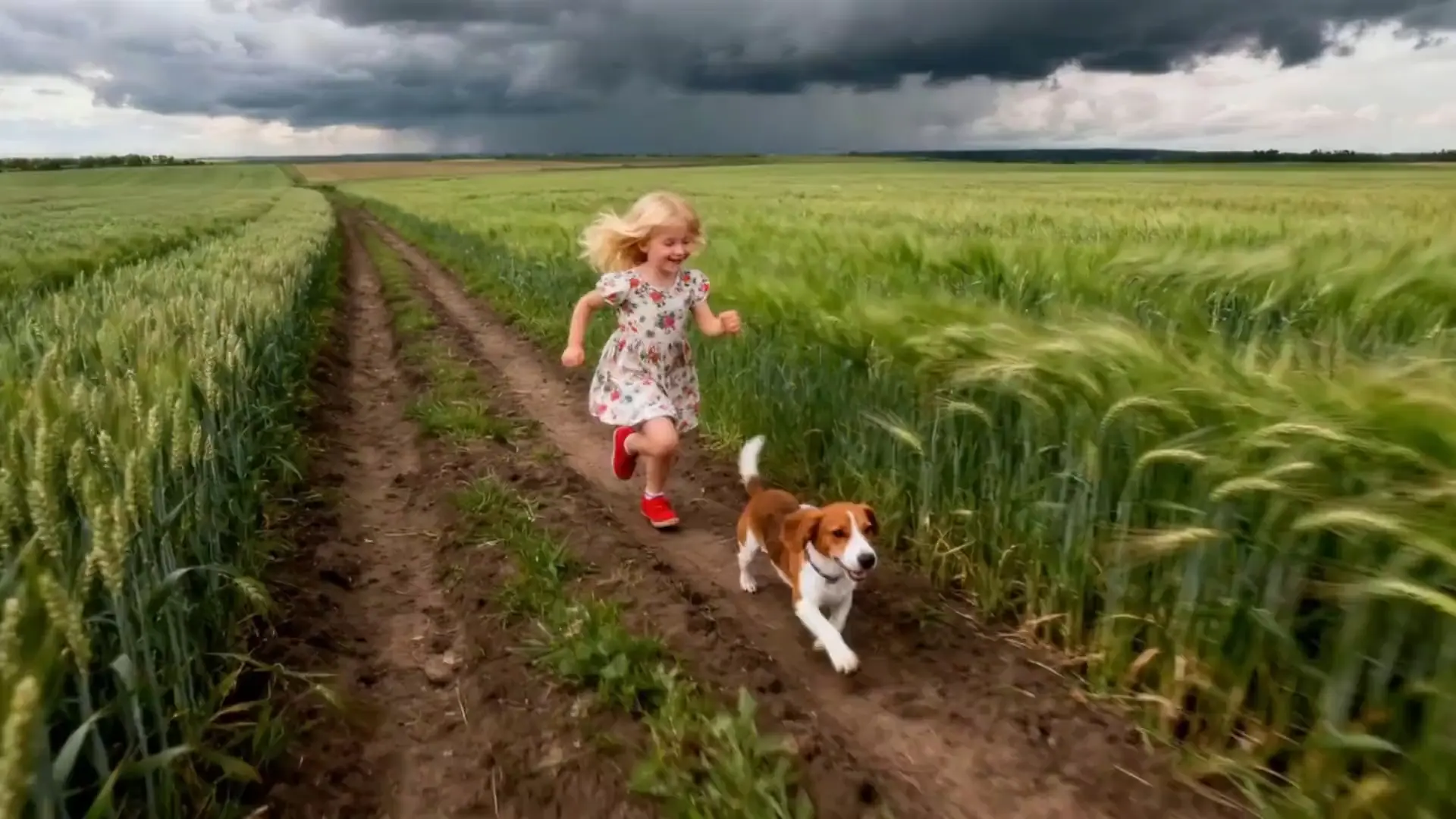
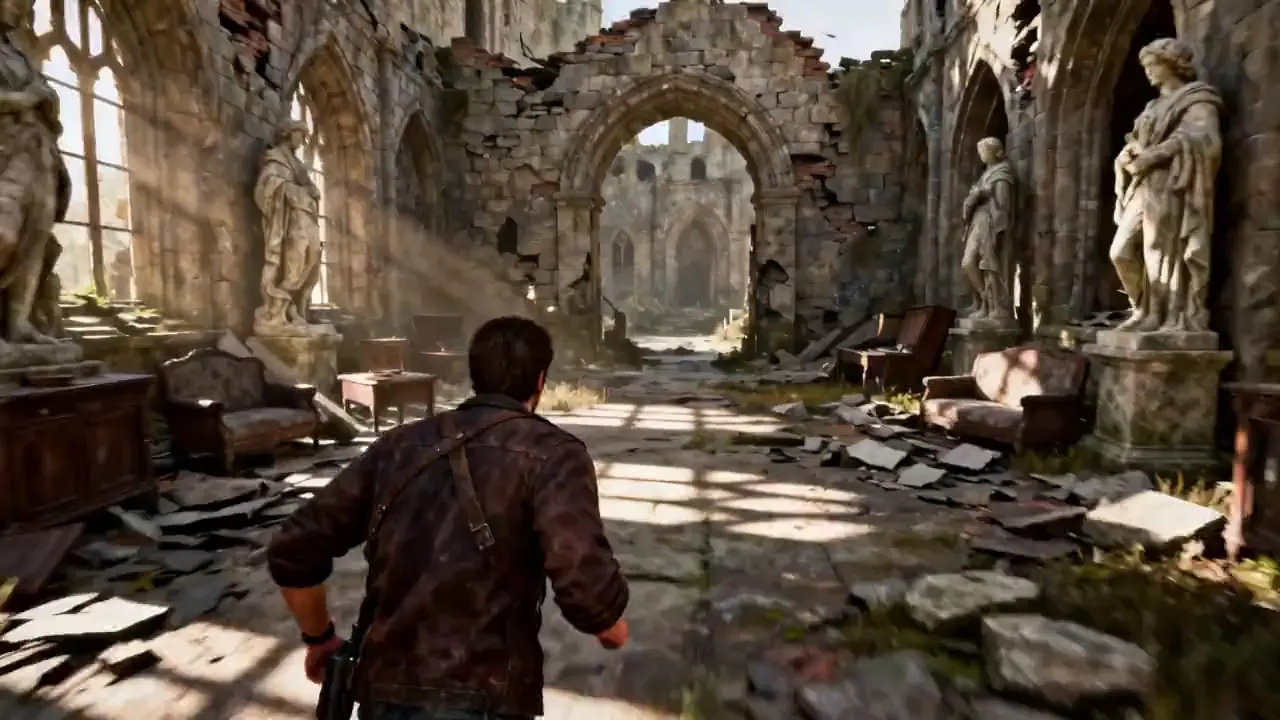
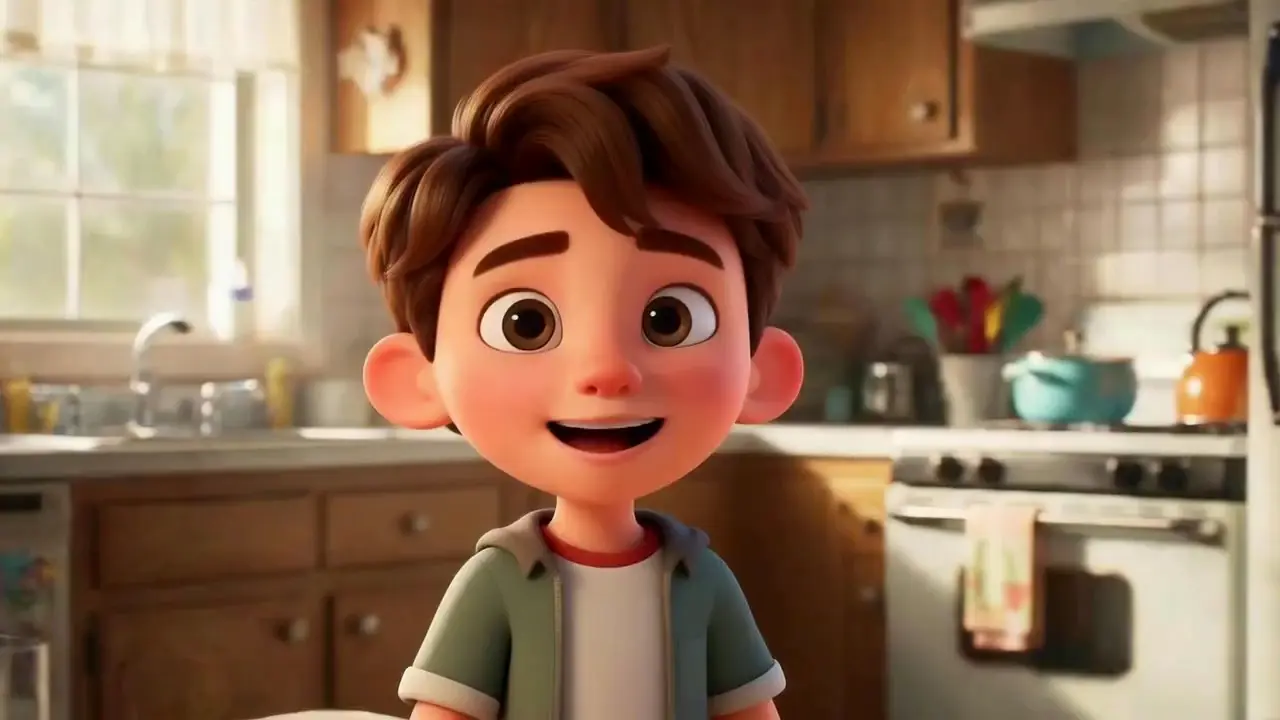

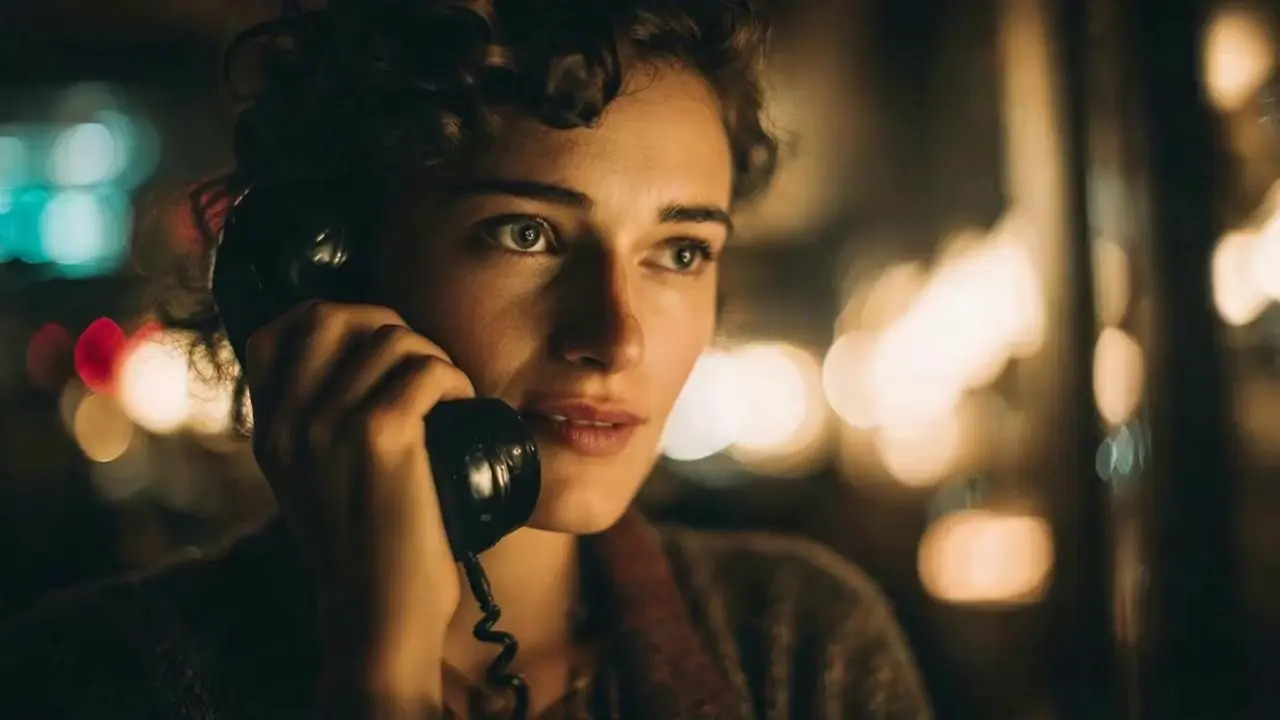

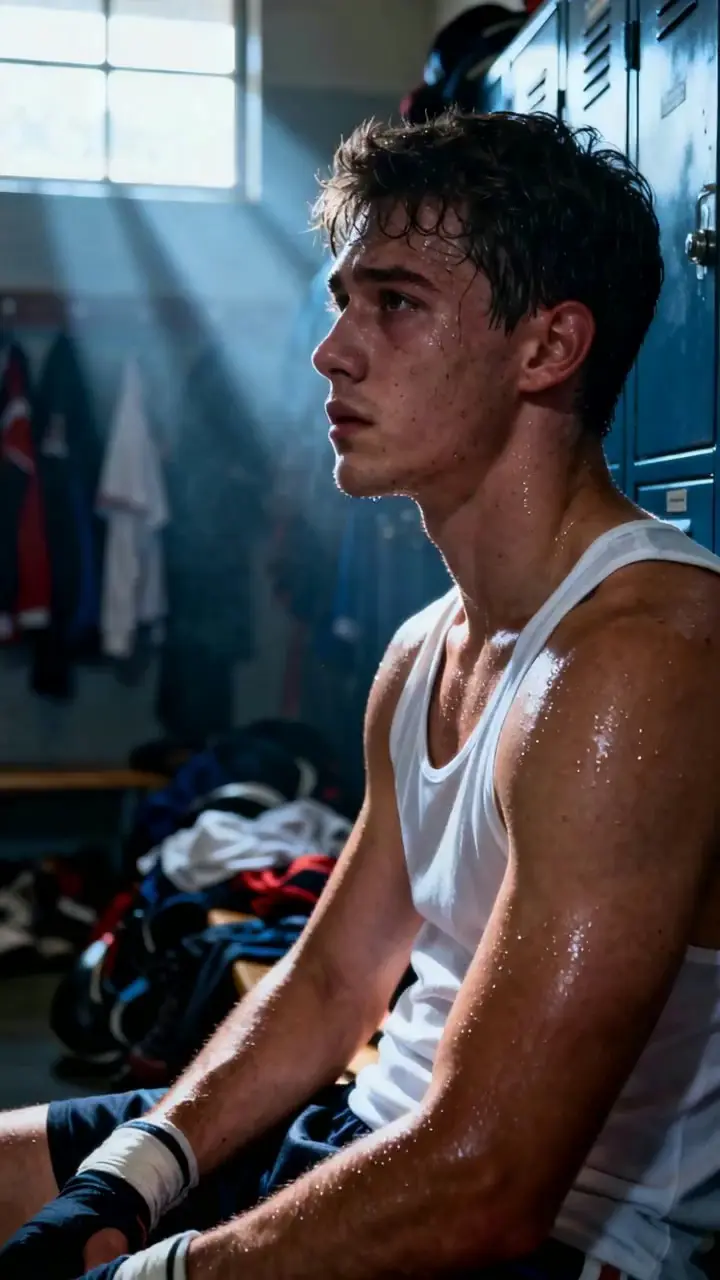


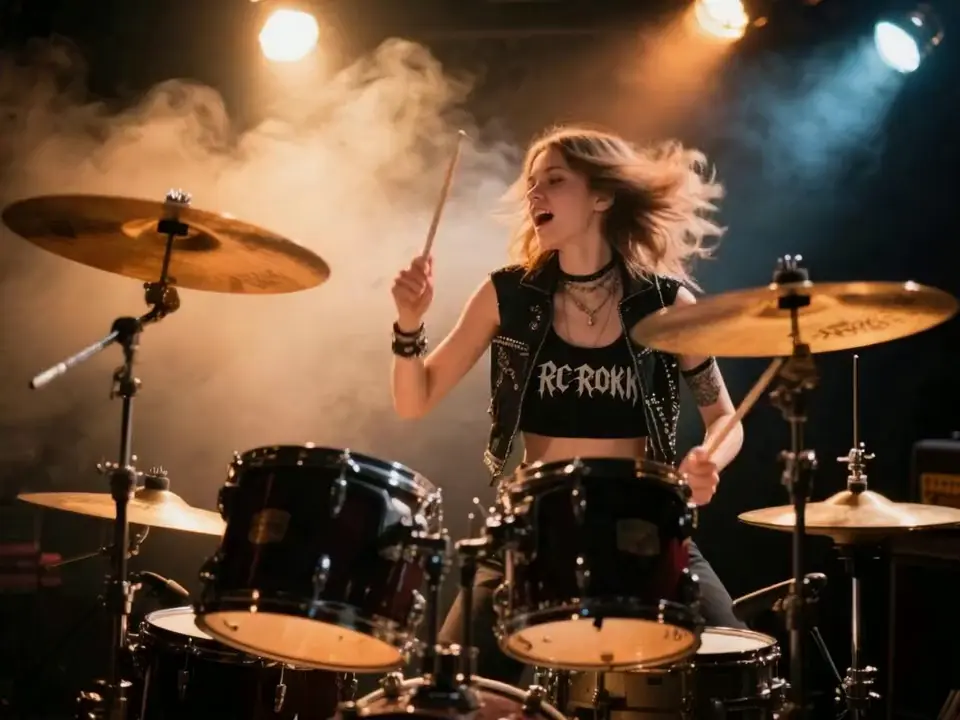
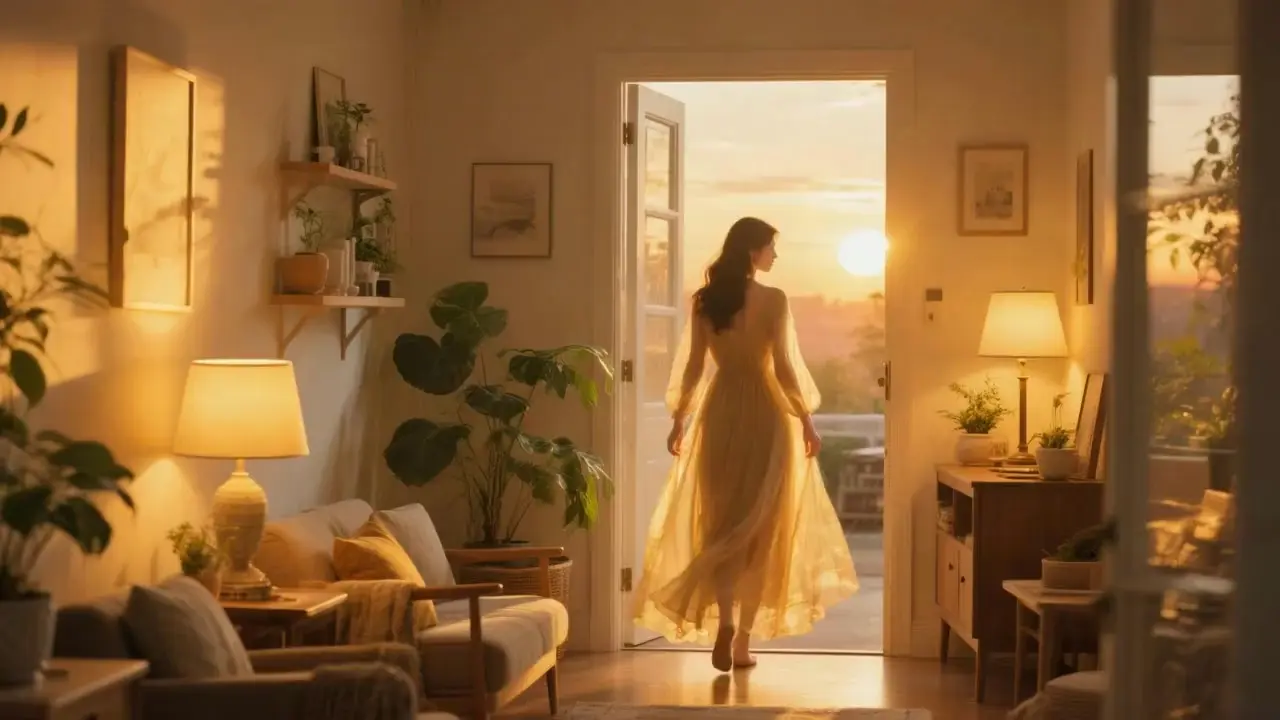
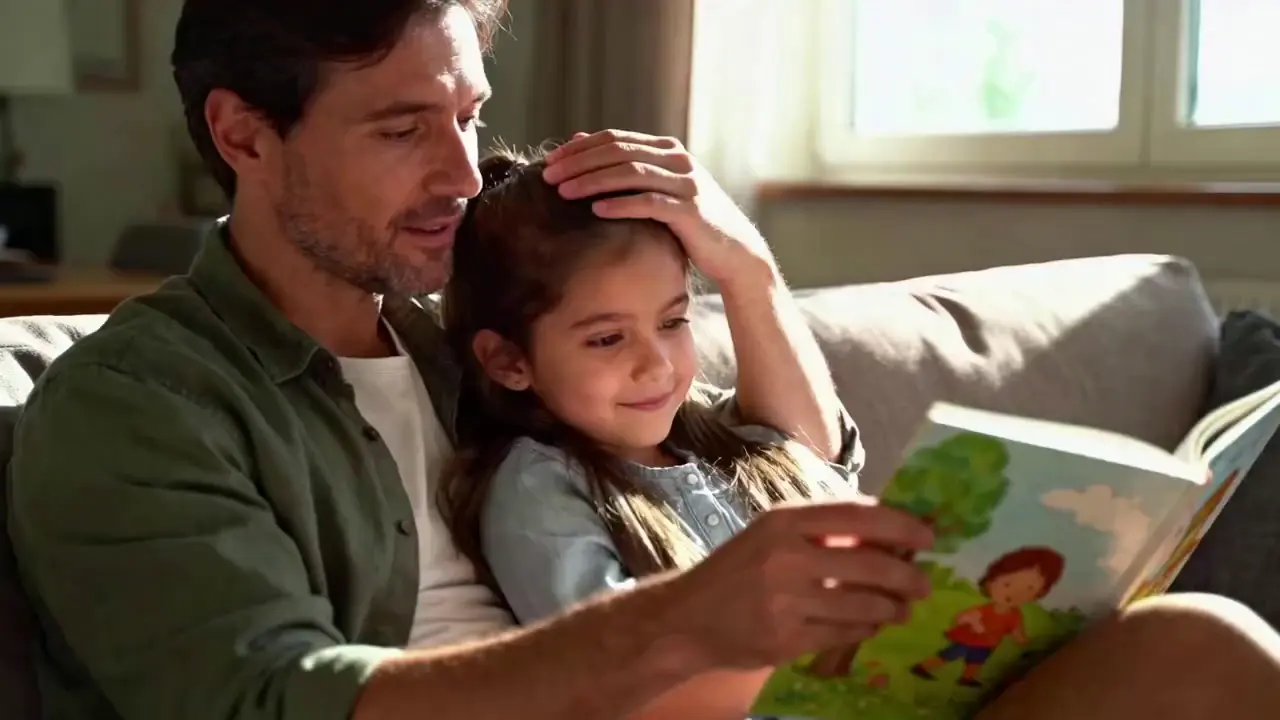
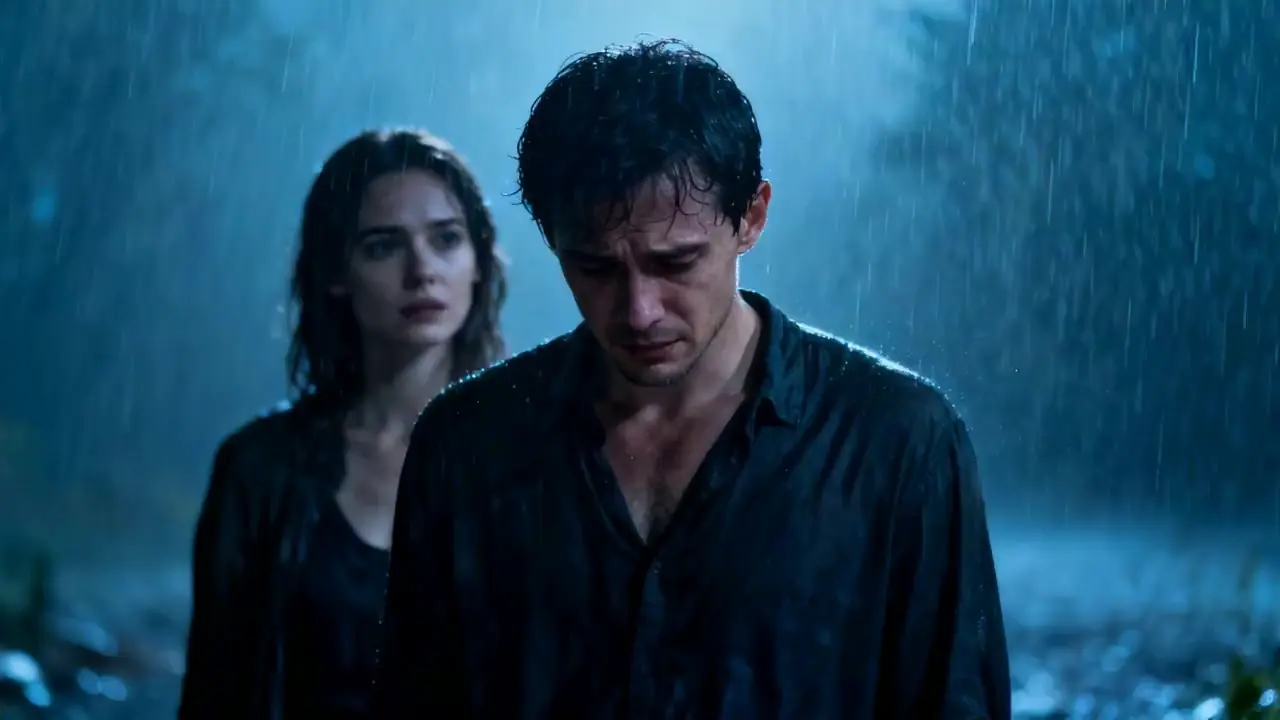
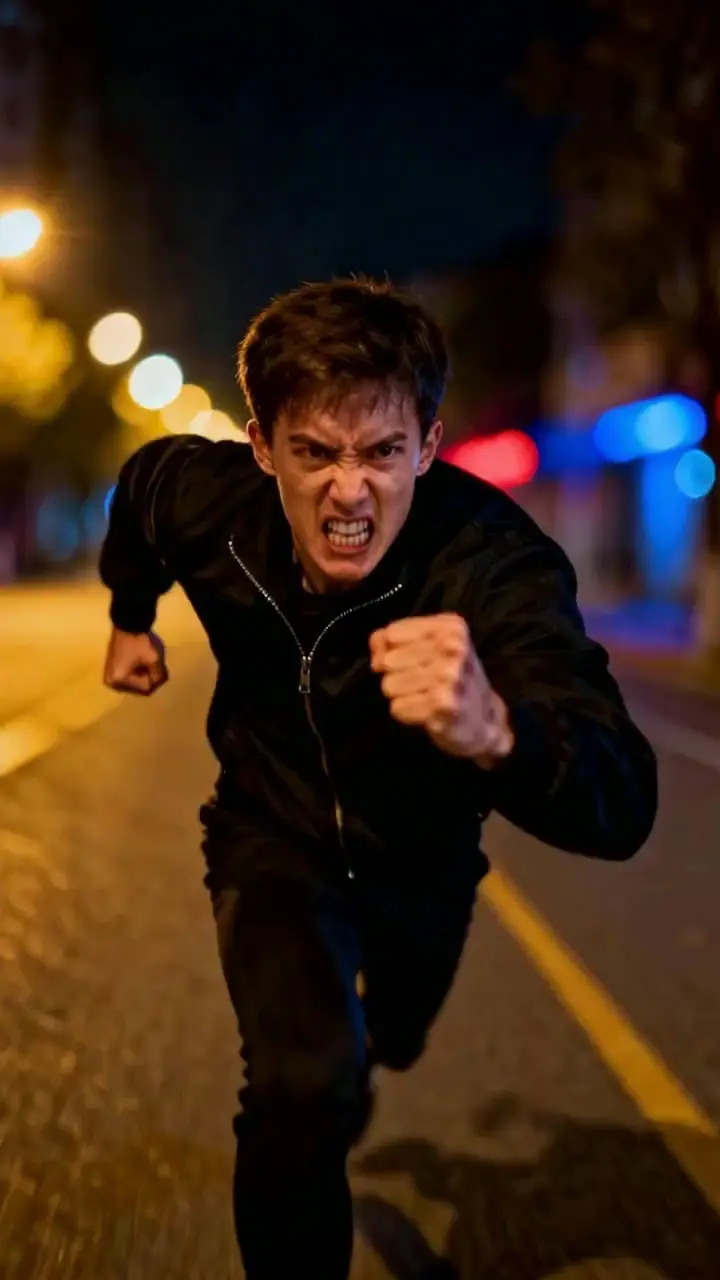


Seedance 1.5 Pro Text-to-Video is unique because it "reads" your prompt to generate sound.
You are the cinematographer. The model follows technical camera terms in your text prompt:
In Text-to-Video, your prompt is the script. You must describe Visuals, Camera, and Audio together.
> [Scene & Character] + [Camera Movement] + [Audio/Dialogue Instruction]
If you already have a character design or product photo you want to bring to life, switch to the Image-to-Video tool.
AI effects for engaging social & entertainment clips.

Create lifelike cinematic video clips from prompts with motion control.

Interpolates start-end frames with refined motion control presets

Animate static portraits with smooth, identity-true motion using Steady Dancer's video-driven generation.

Transform still images and voice tracks into lifelike talking avatars with precise motion control.
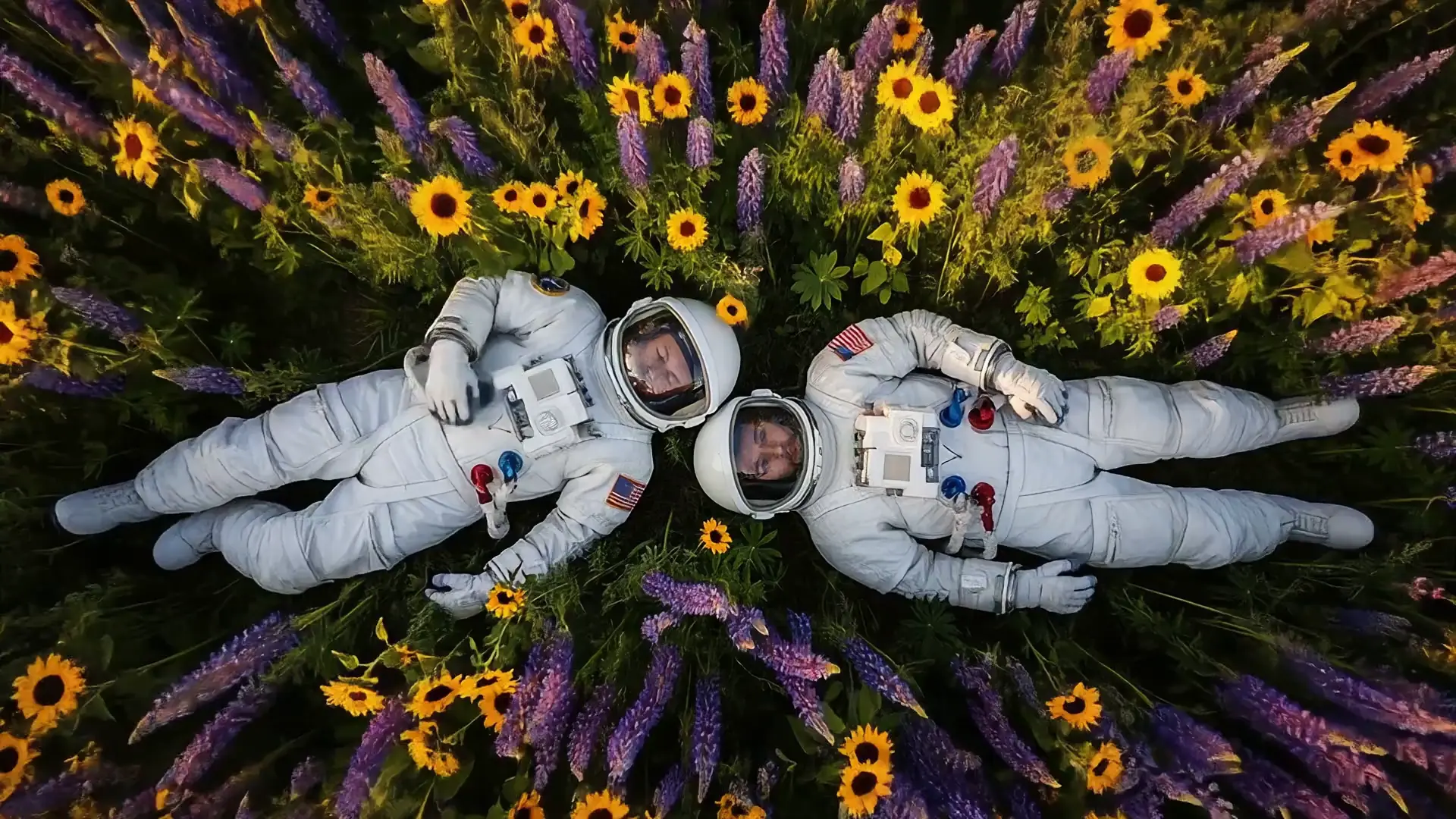
Create rich cinematic clips from images or text with Veo 3.1 Fast.
Seedance 1.5 Pro text-to-video currently supports HD output resolutions up to 720p for 4–12 second clips. As of the latest tests, no 4K generation is available, and users should expect performance optimization primarily around 480p-720p output.
You can transition from trial to production by first confirming that your Seedance 1.5 Pro text-to-video tests in the RunComfy meet your expectations, then obtaining an API key through your RunComfy account. The model and API share the same model versioning, allowing seamless deployment by replacing manual web generation with automated API requests in your production environment.
Seedance 1.5 Pro text-to-video is expected to deliver better motion continuity, faster rendering, and enhanced temporal stability. Its multi-shot narrative consistency and improved understanding of camera directions significantly reduce visual artifacts compared to the Seedance 1.0 Pro model.
Seedance 1.5 Pro performs particularly well in cinematic, photorealistic, anime, and stylized visual scenarios that require stable subject consistency, controlled camera movement, and clear narrative structure. It is well suited for storytelling-driven videos, character-focused scenes, and short-form creative content where visual continuity, motion coherence, and synchronized audio-visual elements are important.
Seedance 1.5 Pro text-to-video generally offers superior audio-visual accuracy when compared to Wan 2.5 and Kling Video 2.6. While Kling may excel in stylized effects, Seedance 1.5 Pro emphasizes built-in audio generation and prompt fidelity.
Commercial use of Seedance 1.5 Pro text-to-video content is typically allowed on paid RunComfy or affiliated platform plans. However, developers and businesses should verify the specific license terms from ByteDance or the hosting provider to ensure compliance before commercial deployment.
Yes. Seedance 1.5 Pro supports built-in audio generation as part of its text-to-video pipeline, including dialogue, ambient sound effects, and background music. Audio and video are generated in a synchronized manner, enabling natural audio-visual alignment and accurate lip movement when characters are speaking. These capabilities are native to the model and do not rely on third-party post-processing.
RunComfy is the premier ComfyUI platform, offering ComfyUI online environment and services, along with ComfyUI workflows featuring stunning visuals. RunComfy also provides AI Models, enabling artists to harness the latest AI tools to create incredible art.