


video-background-removal/fast/video-to-video
AI-powered tool for fast video-to-video backdrop swaps with pro-level precision.
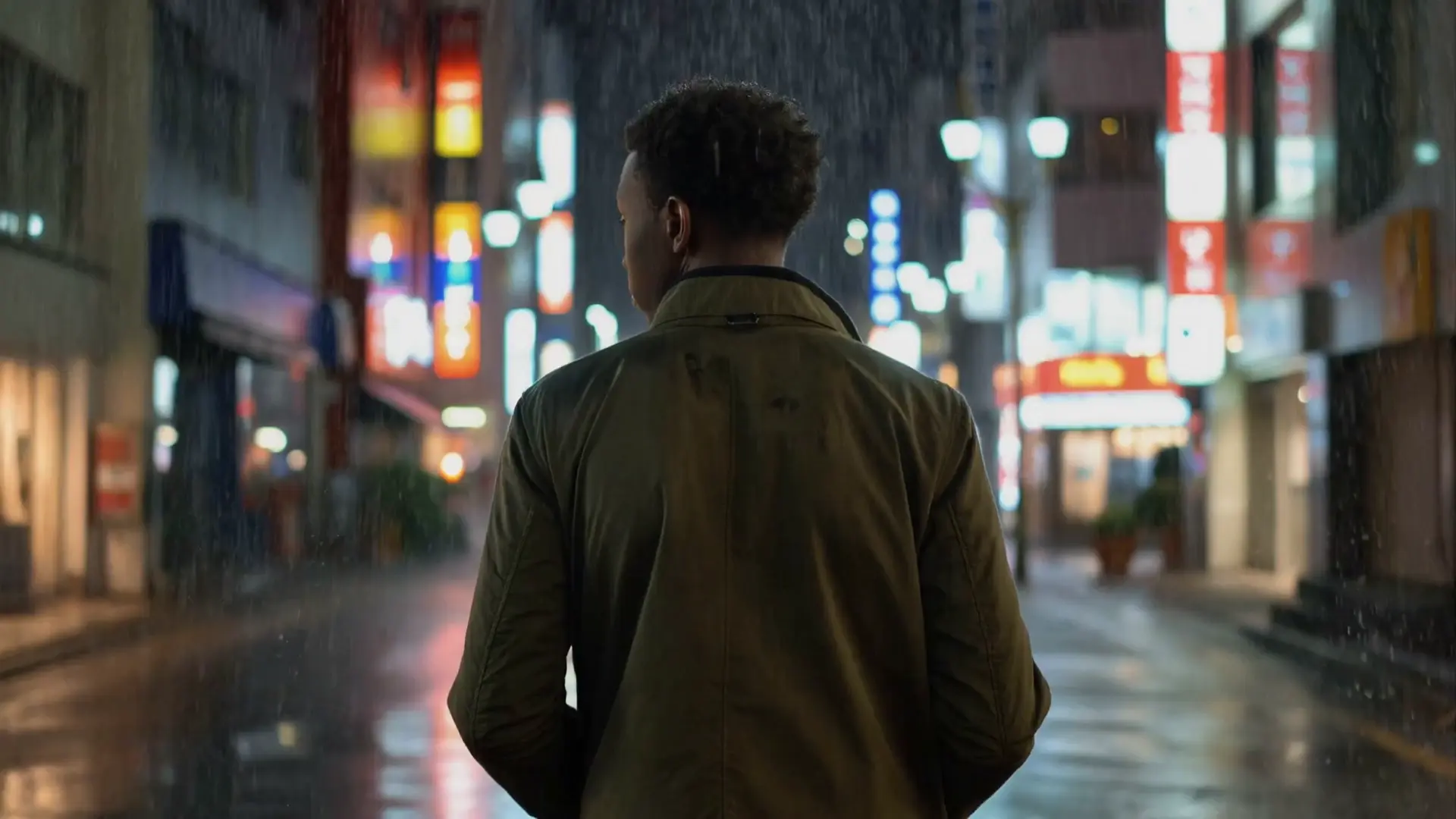

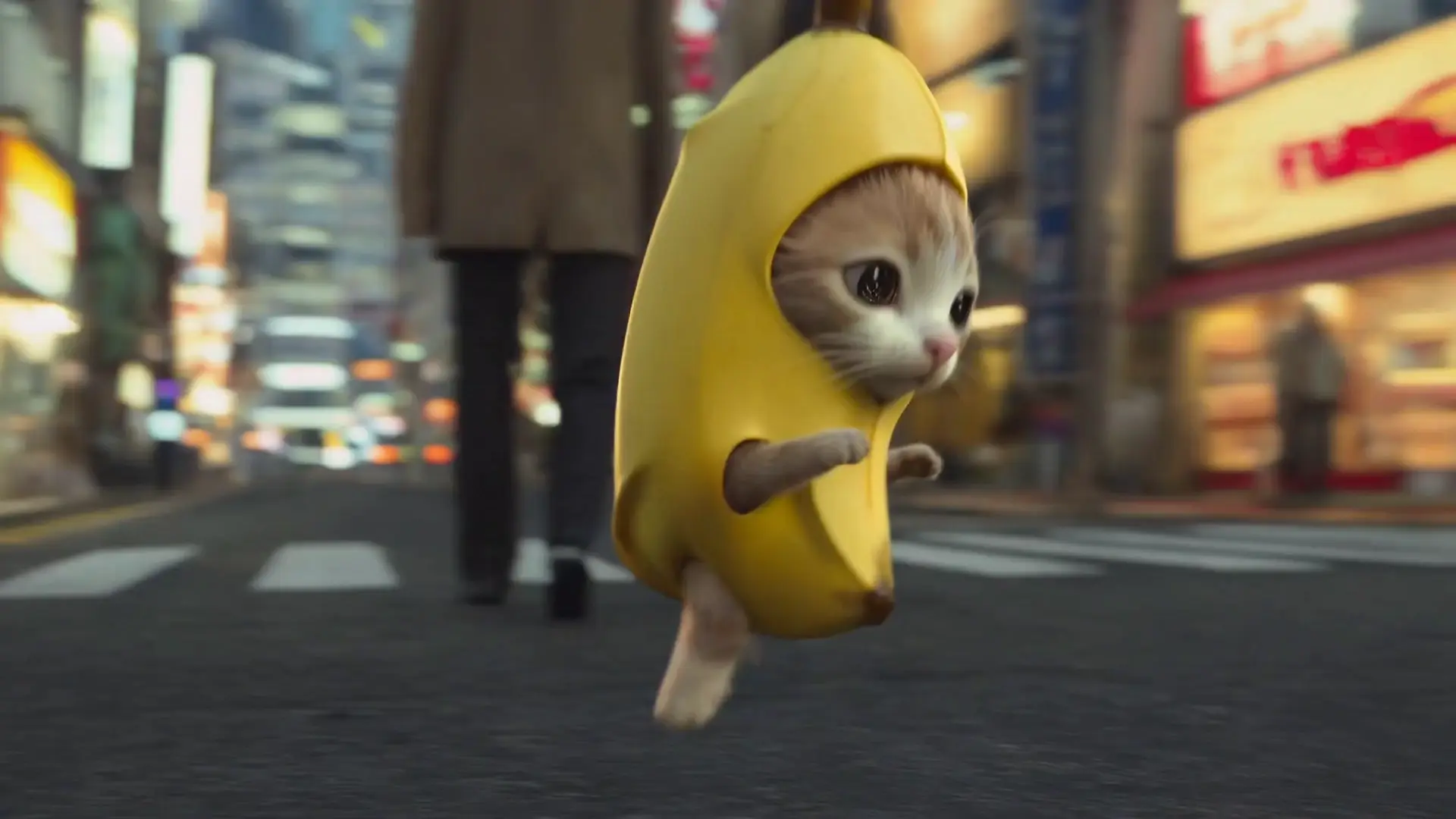
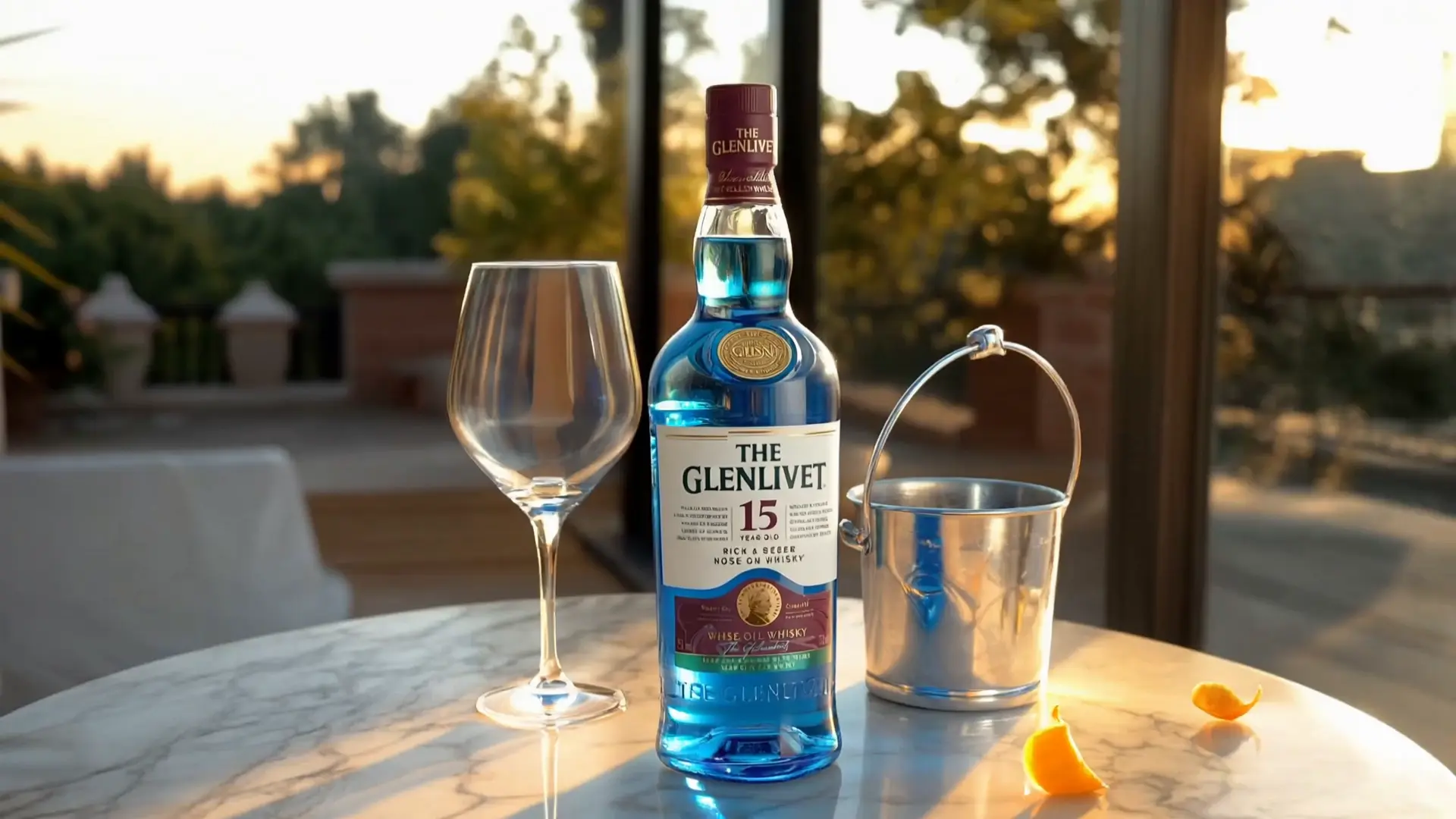


- Strong temporal consistency across frames
- Faithful motion transfer from the reference video (camera, pose, timing)
- Style and character continuity via Elements and reference images
- Operates at high input resolutions up to 4K
- Fast iteration on RunComfy with no cold starts
Kling O1 transforms existing footage into new cinematic scenes while preserving motion and framing. It is a multimodal vid2vid model tuned for consistent characters and styles from prompts, elements, and reference images.
RunComfy makes Kling O1 production-ready with a browser playground, a simple HTTP API. You get rapid iteration, predictable performance, and no local setup.
Below are the input parameters supported by Kling O1 on RunComfy. Use @Element1, @Element2 and @Image1, @Image2 in your prompt to reference the corresponding entries by position.
Core prompts
| Parameter | Type | Default/Range | Description |
|---|---|---|---|
| prompt | string | "" | Main instruction for Kling O1. Use @Element1, @Element2 to refer to entries in elements, and @Image1, @Image2 to refer to entries in image_urls (positional: first item is @Image1, etc.). |
| elements | string (JSON array) | "" | JSON array string describing characters/objects to appear (e.g., ["astronaut", "golden retriever"]). When using video, total of elements plus image references must not exceed 4. Reference them in prompt as @ElementN. |
Media references
| Parameter | Type | Default/Range | Description |
|---|---|---|---|
| video_url | video uri | "" | Reference video guiding motion and framing. Formats: .mp4, .mov. Duration: 3–10 s. Resolution: 720p–2160p. File size: <= 200 MB. Fails if constraints are not met. |
| image_urls | array of image uris | [] (0–4 items) | Up to 4 reference images for style/appearance guidance. In prompt, reference as @Image1..@ImageN by position. When using video, elements + image_urls must not exceed 4 combined. |
Audio & switches
| Parameter | Type | Default/Range | Description |
|---|---|---|---|
| keep_audio | boolean | false | If true, preserves the original audio track from video_url in the output. Set to false to output silent video. |
Required: prompt, video_url.
Because Kling O1 is video-to-video, the reference clip drives motion and pacing. For best results:
AI-powered tool for fast video-to-video backdrop swaps with pro-level precision.
Create realistic motion visuals with Veo 3.1's sleek AI video conversion.

High-speed text-to-motion generator for cinematic storytelling use.
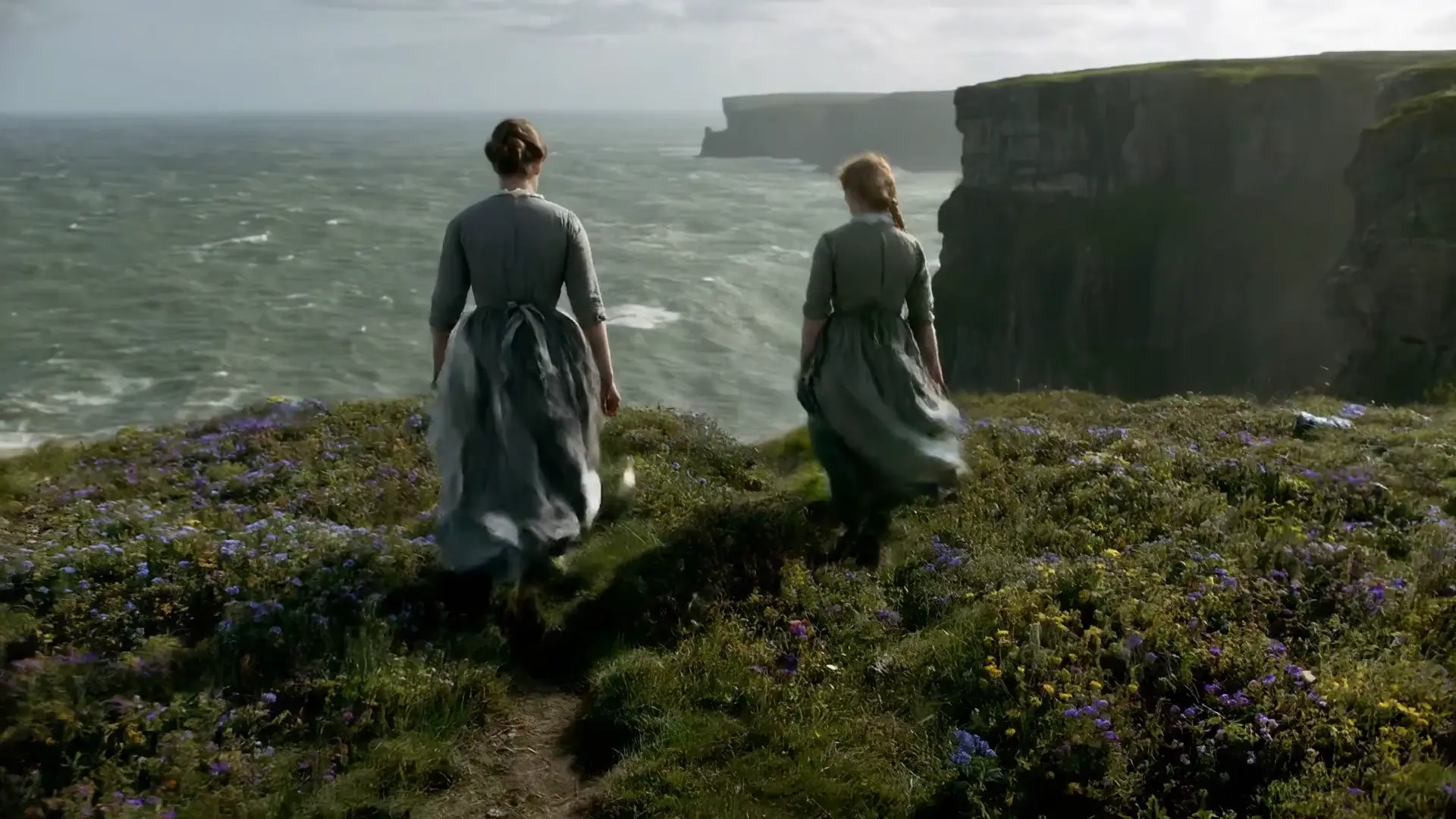
Generate cinematic motion clips with precise control and audio sync

Transform still visuals into cinematic motion clips with smooth, realistic transitions and creative flexibility.

Prompt-based animating with subject fidelity and smooth motion.
Kling O1 allows video-to-video generation and editing under a license that typically follows an Open RAIL-style non-commercial or limited-commercial framework. Using Kling O1 through RunComfy does not override or bypass the original license. Always verify the official Kling O1 license before applying generated outputs in paid or brand-affiliated projects.
Kling O1 is distributed under the original license specified by Kuaishou Technology (currently aligned with an Open RAIL-like model). When using Kling O1 video-to-video capabilities via RunComfy, users must still comply with the model’s terms. RunComfy’s hosting only provides managed access and does not transfer or extend commercial rights.
RunComfy’s managed infrastructure distributes Kling O1 video-to-video requests across multiple cloud GPUs, ensuring low latency and stable throughput for concurrent users. Local runs of Kling O1 may require A100-class GPUs and are not recommended for high-volume workloads. The platform maintains dynamic scaling to balance efficiency and responsiveness.
Yes. Kling O1 enforces maximum output resolution up to 1080p and supports video durations roughly between 3–10 seconds per generation cycle. Up to 10 reference images or short clips can be used for video-to-video consistency. Prompt token limits align with the RunComfy API cap, which currently allows around 1000 characters per request.
To migrate Kling O1 video-to-video workflows, first finalize prototype results in the RunComfy Playground. Afterward, obtain an API key and replicate your configuration via the RunComfy REST or Python interface. The API offers the same output fidelity as the web interface but allows integration into scripts, CMS pipelines, or app backends.
Kling O1 unifies generation and editing within one multimodal engine, improving consistency of characters and scenes. Compared with prior models, Kling O1 video-to-video excels at handling scene continuity, start/end-frame control, and reference-based identity preservation. This reduces content drift often seen in earlier text-to-video systems.
Technically yes, but running Kling O1 video-to-video locally demands high-end GPUs (A100/RTX 4090 or higher) and substantial VRAM. RunComfy’s managed environment handles GPU provisioning, batching, and automatic checkpoint updates, making it more efficient and reliable for most users.
All Kling O1 video-to-video generations on RunComfy are processed using cloud GPUs. Users spend platform ‘usd’ credits per render. New accounts receive trial usd, which can be replenished through the billing menu. No local hardware resources are consumed when using the web or API services.
If Kling O1 video-to-video generation fails, verify prompt complexity, reduce reference inputs, and ensure network stability. Occasionally high busyness or quota limits may cause task timeouts. Contact hi@runcomfy.com for assistance, providing your task ID and configuration for support escalation.
RunComfy is the premier ComfyUI platform, offering ComfyUI online environment and services, along with ComfyUI workflows featuring stunning visuals. RunComfy also provides AI Models, enabling artists to harness the latest AI tools to create incredible art.