logo
RunComfy
  • Playground
  • ComfyUI
  • TrainerNew
  • API
  • Pricing
discord logo
PLAYGROUND
Explore
All Models
Lipsync Studio
Character Swap
Upscale Video
LIBRARY
Generations
MODEL APIS
API Docs
API Keys
ACCOUNT
Usage

Seedance 1.5 Free: Multilingual Lip-Sync Text-to-Video Generation on playground and API | RunComfy

bytedance/seedance-v1.5-pro/text-to-video

Turn text prompts into 1080p videos with synchronized dialogue, sound effects, and music. The premier text-to-video engine for creating audio-visual narratives from scratch.

The prompt should be less than 500 characters to get better results.
Whether to fix the camera in the video.
Idle
The rate is $0.012 per second for 480p without audio, $0.024 per second for 480p with audio, $0.026 per second for 720p without audio, and $0.052 per second for 720p with audio.

Introduction to Seedance 1.5 Pro Text-to-Video

Seedance 1.5 Pro Text-to-Video is the ultimate "Director's Engine," capable of turning written scripts into fully realized 1080p cinematics with synchronized audio. It constructs entire worlds, characters, and soundscapes purely from text descriptions. It features a breakthrough unified architecture that generates pixels and sound waves simultaneously, allowing creators to describe a scene's visuals, camera movements, dialogue (in multiple dialects), and background score in a single prompt. For developers, Seedance 1.5 Pro Text-to-Video on RunComfy offers a streamlined API to build automated content generation pipelines without needing visual assets.

Seedance 1.5 Pro on X

Key Capabilities


1. Script-to-Screen Audio Synthesis

Seedance 1.5 Pro Text-to-Video is unique because it "reads" your prompt to generate sound.

  • Text-to-Dialogue: Write a line of text, and a generated character will speak it with perfect lip-sync. Supports English, Chinese, and specific dialects (e.g., "Speak in Sichuan dialect").
  • Text-to-SFX: Describe a sound (e.g., "sound of glass breaking," "distant thunder"), and the model generates the audio to match the visual event precisely.
  • Atmosphere Generation: Just describe the mood (e.g., "eerie silence," "bustling market"), and the model fills the audio track with appropriate ambient noise.

2. Prompt-Driven Cinematography

You are the cinematographer. The model follows technical camera terms in your text prompt:

  • Camera Moves: Execute complex shots purely via text commands.
  • Visual Style: Define the film stock, lighting, and color grading without needing a reference image.

3. Character & World Creation

  • Zero-Shot Creation: Create fantasy creatures, specific architectural styles, or historical figures from descriptions alone.
  • Emotional Acting: Direct the actor's performance via text.

Master the Audio-Visual Prompting Guide

In Text-to-Video, your prompt is the script. You must describe Visuals, Camera, and Audio together.


The Scripting Formula

> [Scene & Character] + [Camera Movement] + [Audio/Dialogue Instruction]


Explore Related Capabilities


If you already have a character design or product photo you want to bring to life, switch to the Image-to-Video tool.

Seedance 1.5 Pro – Image-to-Video

Related Playgrounds

kling-2-1/pro/image-to-video

Animate a single image into a smooth video with Kling 2.1 Pro.
wan-2-1/image-to-video

Master complex motion, physics, and cinematic effects.

sync/lipsync/v2/pro

Create lifelike talking visuals with AI that matches voice and motion seamlessly.

wan-2-2/vace-fun

Prompt-based animating with subject fidelity and smooth motion.

live-avatar

Turn still portraits into expressive, lifelike videos with control and precision.

pixverse/v5.5/effects

Transform stills into narrative clips with synced audio and fluid camera motion.

Frequently Asked Questions

What are the current technical limitations of Seedance 1.5 text-to-video in terms of resolution and duration?

Seedance 1.5 text-to-video currently supports HD output resolutions up to 1080p for 5–10 second clips. As of the latest tests, no 4K generation is available, and users should expect performance optimization primarily around 720p–1080p output on the RunComfy platform.

How many reference images or ControlNet/IP-Adapter inputs can Seedance 1.5 text-to-video handle?

Seedance 1.5 text-to-video supports a limited number of reference inputs—typically 1–2 simultaneous image references. It is recommended to supply concise, focused input images for style or subject consistency within the generation constraints.

How do I move from testing Seedance 1.5 text-to-video in RunComfy Playground to production API usage?

You can transition from trial to production by first confirming that your Seedance 1.5 text-to-video tests in the RunComfy Playground meet your expectations, then obtaining an API key through your RunComfy account. The playground and API share the same model versioning, allowing seamless deployment by replacing manual web generation with automated API requests in your production environment.

What improvements does Seedance 1.5 text-to-video offer compared to Seedance 1.0 Pro?

Seedance 1.5 text-to-video is expected to deliver better motion continuity, faster rendering, and enhanced temporal stability. Its multi-shot narrative consistency and improved understanding of camera directions significantly reduce visual artifacts compared to the Seedance 1.0 Pro model.

Does Seedance 1.5 text-to-video handle different aspect ratios like 9:16 or 16:9 effectively?

Yes, Seedance 1.5 text-to-video supports a broad set of aspect ratios including portrait (9:16), square (1:1), and landscape (16:9). The platform automatically adjusts camera framing and subject scaling to preserve composition and motion accuracy across ratios.

What kinds of artistic styles or scenarios does Seedance 1.5 text-to-video perform best in?

Seedance 1.5 text-to-video excels at photorealistic, cinematic, anime, and illustrative scenarios requiring controlled camera movements and coherent storytelling. Its prompt understanding enables consistent appearance across multiple shots, making it ideal for narrative visualization and short-form creative videos.

How does Seedance 1.5 text-to-video compare to competitors like Wan 2.5 or Kling Video 2.6 in motion and realism?

Seedance 1.5 text-to-video generally offers superior camera-follow accuracy, lighting realism, and character consistency across shots when compared to Wan 2.5 and Kling Video 2.6. While Kling may excel in stylized effects, Seedance 1.5 emphasizes stable motion realism and prompt fidelity.

What are the typical token or prompt length limits when using Seedance 1.5 text-to-video?

Most RunComfy-based integrations of Seedance 1.5 text-to-video support prompts up to roughly 512–768 tokens. Longer prompts might be truncated, so users should keep descriptions concise while emphasizing camera angles, movement, and style cues.

Can I use the outputs from Seedance 1.5 text-to-video commercially?

Commercial use of Seedance 1.5 text-to-video content is typically allowed on paid RunComfy or affiliated platform plans. However, developers and businesses should verify the specific license terms from ByteDance or the hosting provider to ensure compliance before commercial deployment.

Does Seedance 1.5 text-to-video support audio or lip-sync features?

Currently, Seedance 1.5 text-to-video focuses on visual motion generation only. Audio and lip-sync capabilities are not natively supported, though some third-party APIs can be used to synchronize external audio post-generation.

Follow us
  • LinkedIn
  • Facebook
  • Instagram
  • Twitter
Support
  • Discord
  • Email
  • System Status
  • Affiliate
Video Models/Tools
  • Wan 2.6
  • Wan 2.6 Text to Video
  • Veo 3.1 Fast Video Extend
  • Seedance Lite
  • Wan 2.2
  • Seedance 1.0 Pro Fast
  • View All Models →
Image Models
  • GPT Image 1.5 Image to Image
  • Flux 2 Max Edit
  • GPT Image 1.5 Text To Image
  • Gemini 3 Pro
  • seedream 4.0
  • Nano Banana Pro
  • View All Models →
Legal
  • Terms of Service
  • Privacy Policy
  • Cookie Policy
RunComfy
Copyright 2025 RunComfy. All Rights Reserved.

RunComfy is the premier ComfyUI platform, offering ComfyUI online environment and services, along with ComfyUI workflows featuring stunning visuals. RunComfy also provides AI Playground, enabling artists to harness the latest AI tools to create incredible art.
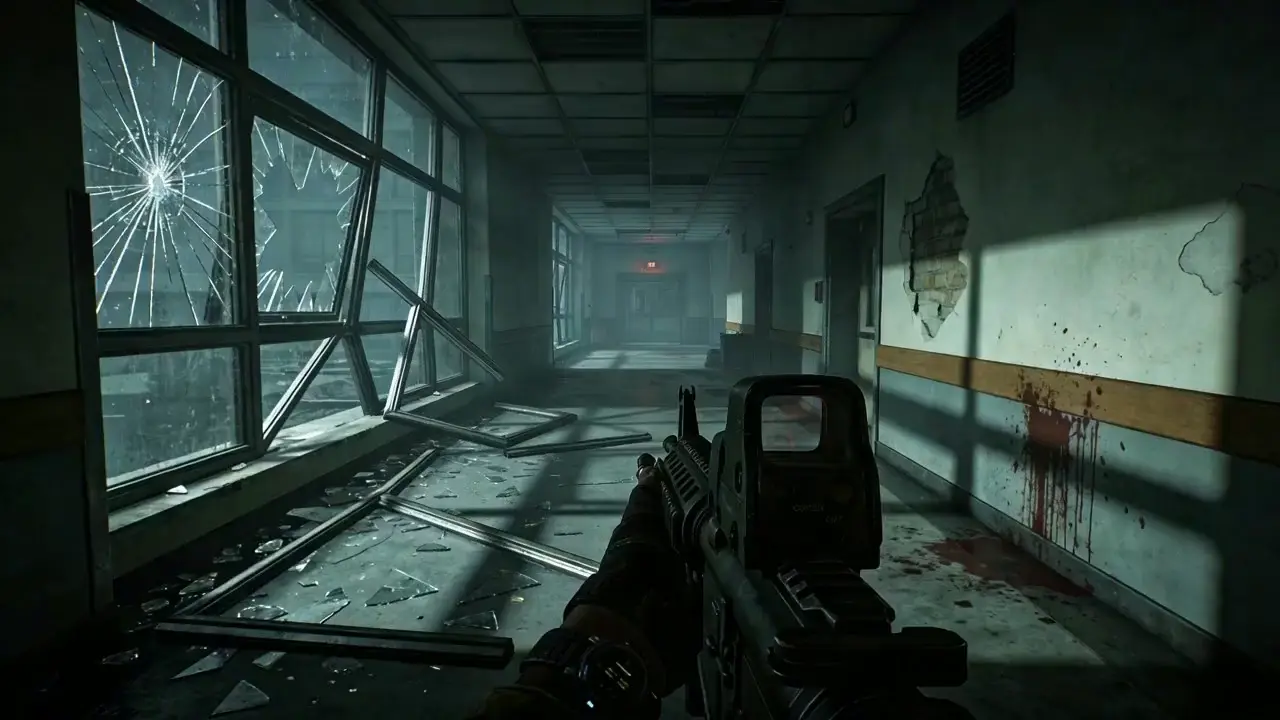
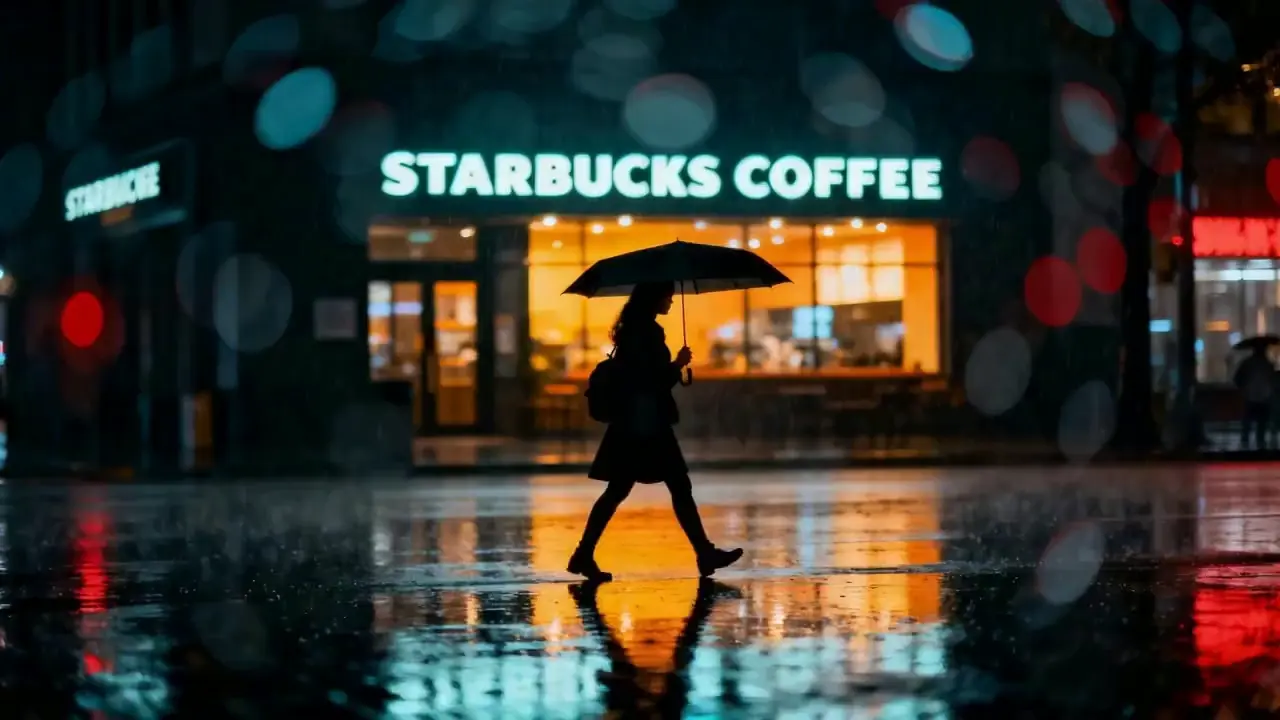
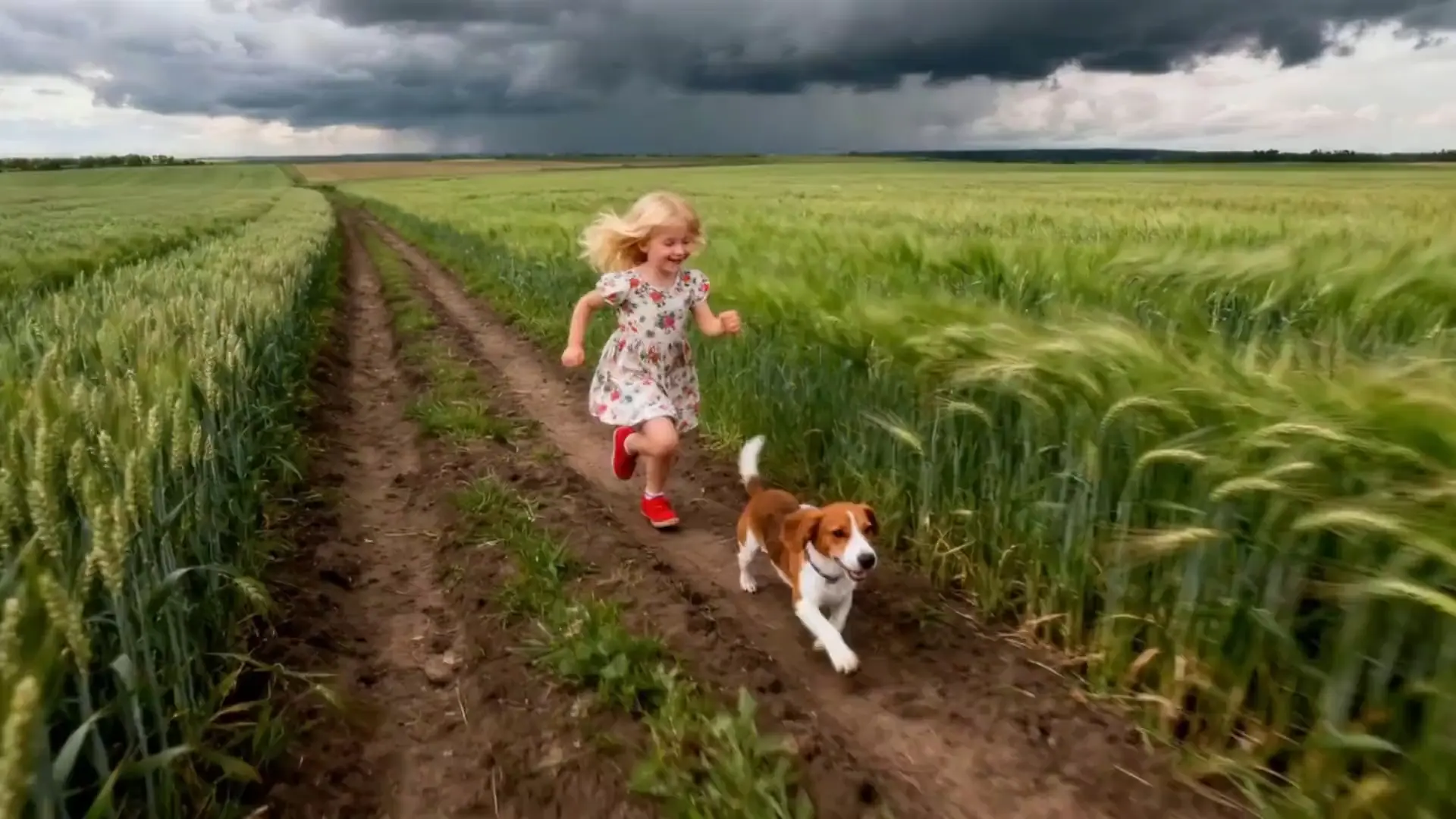
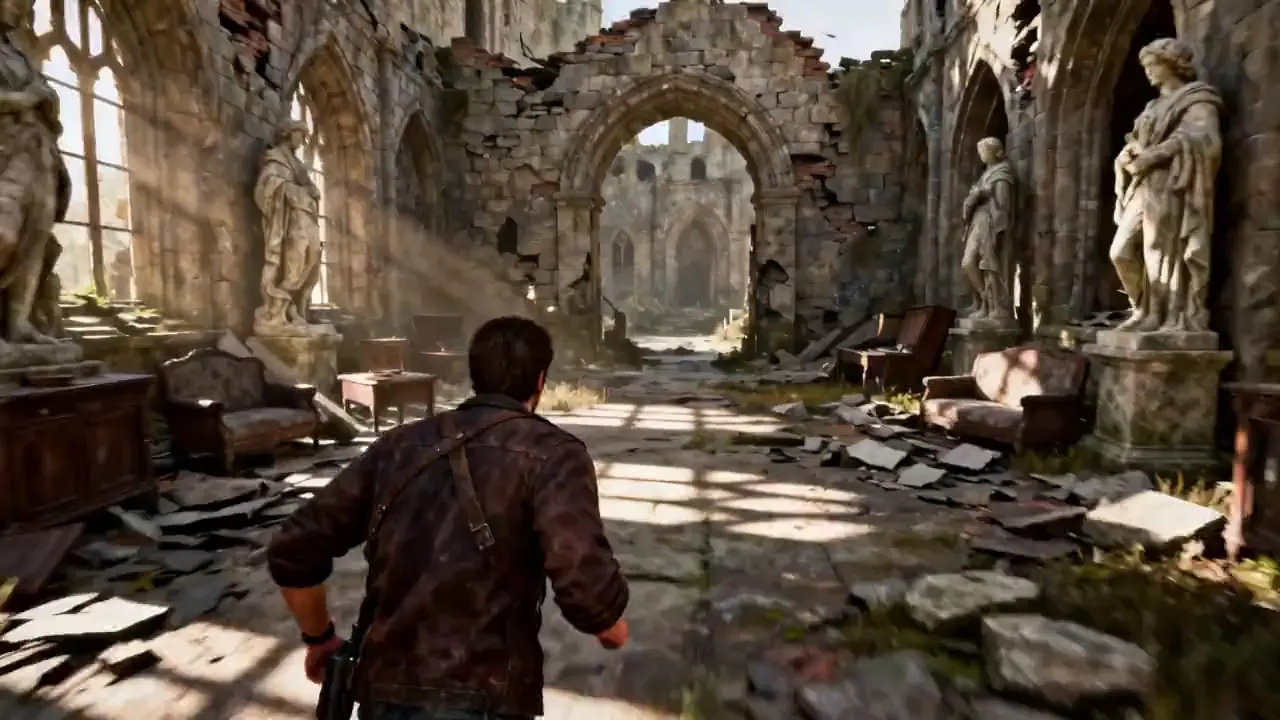
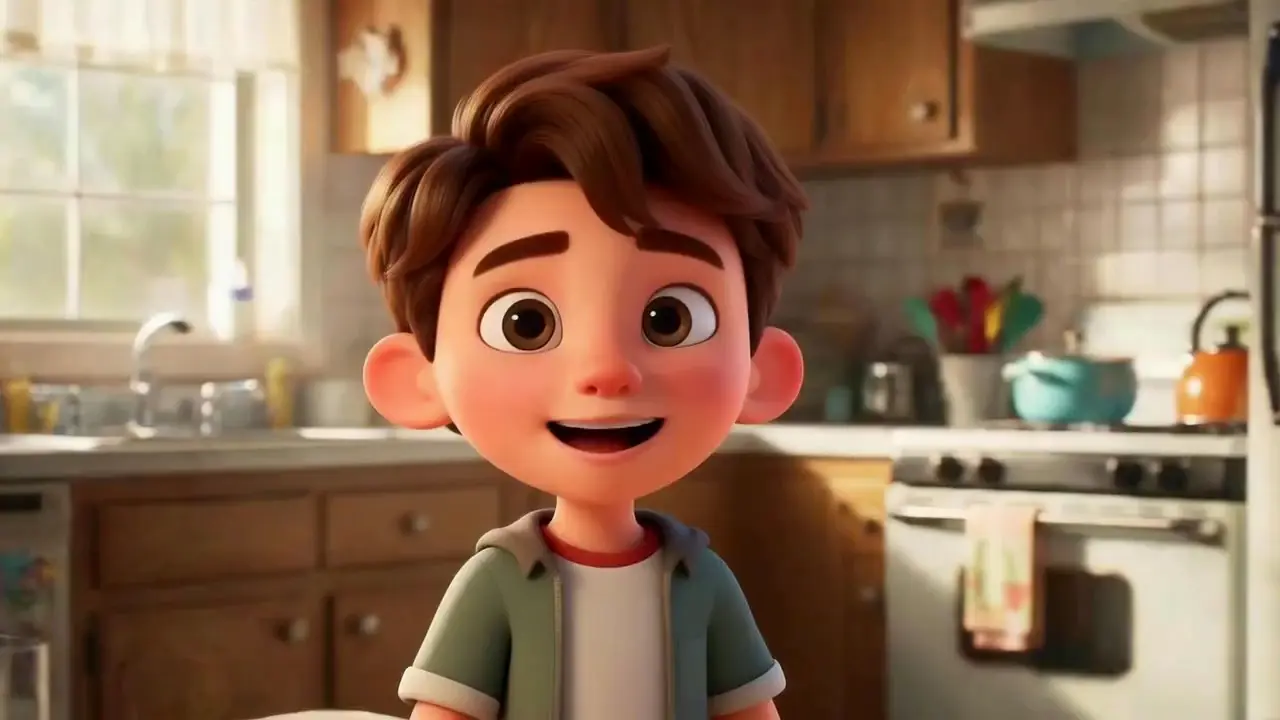
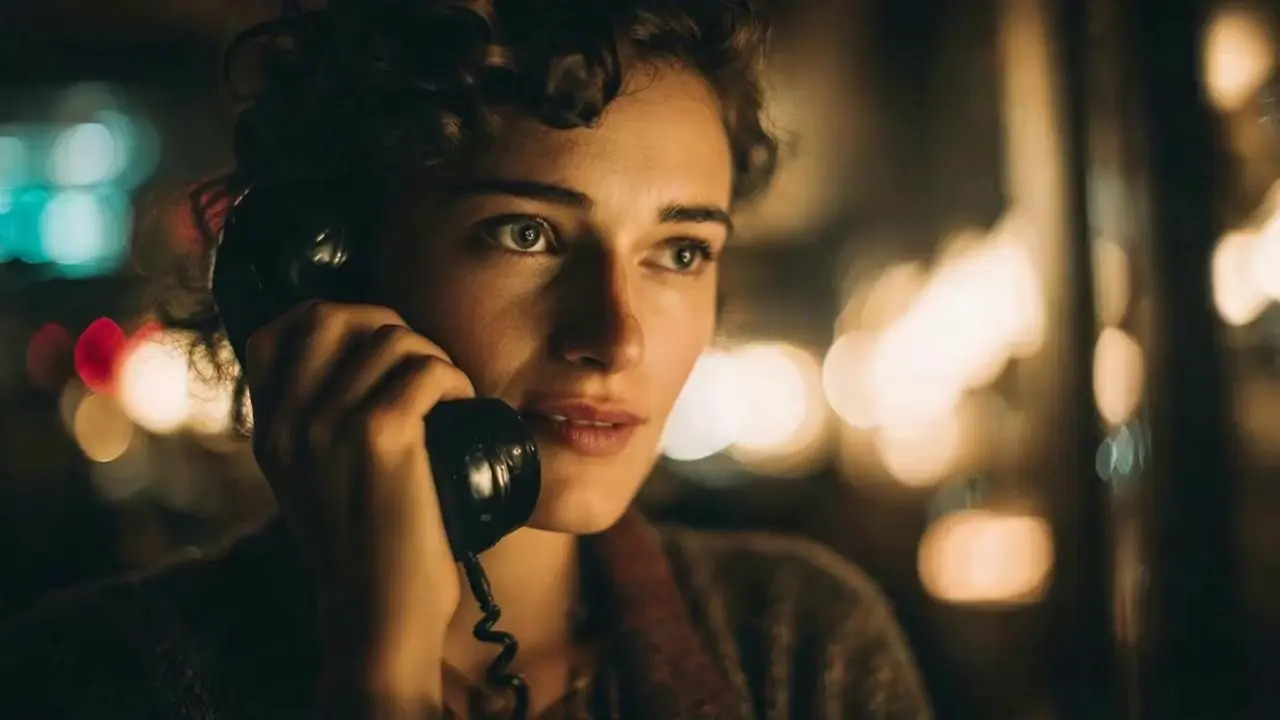
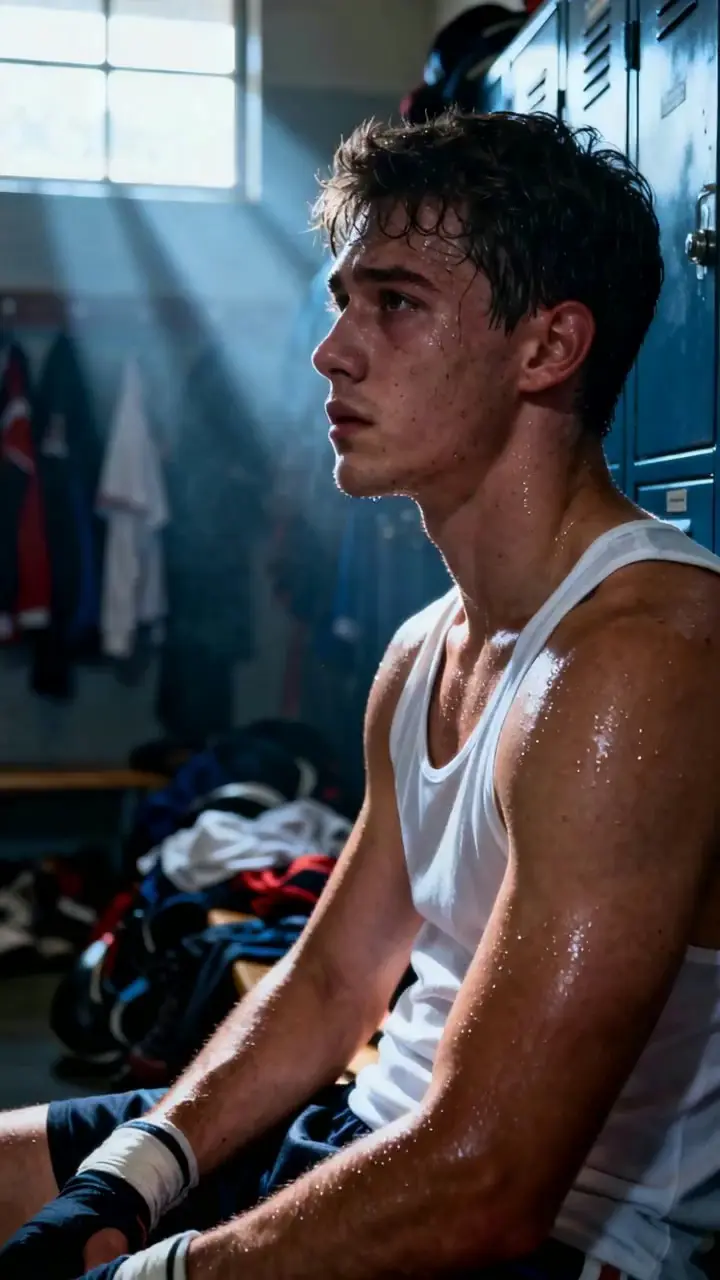
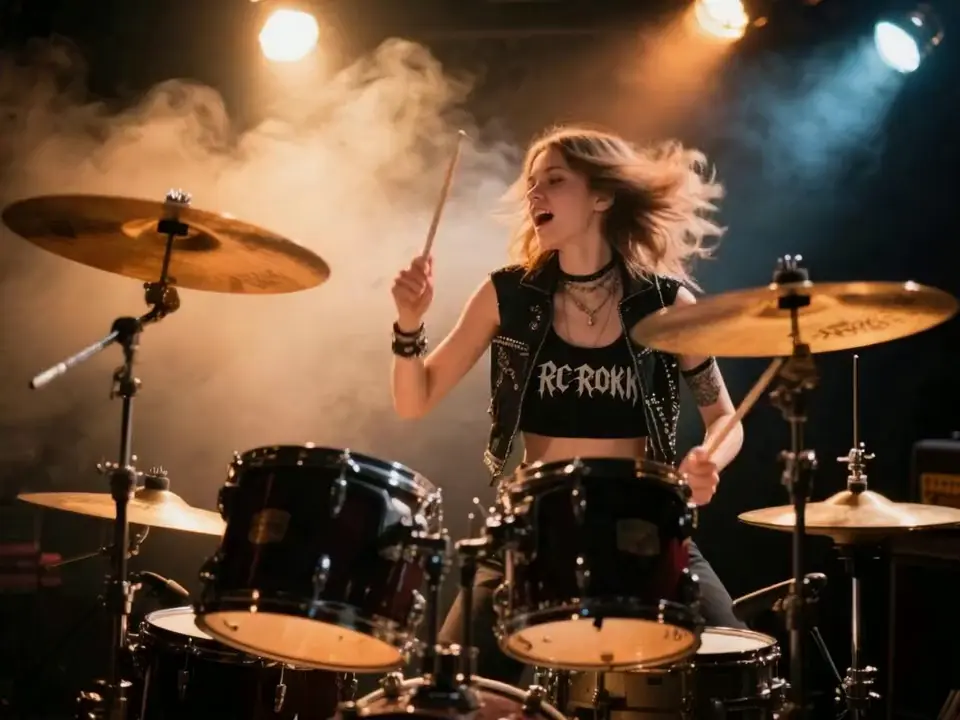
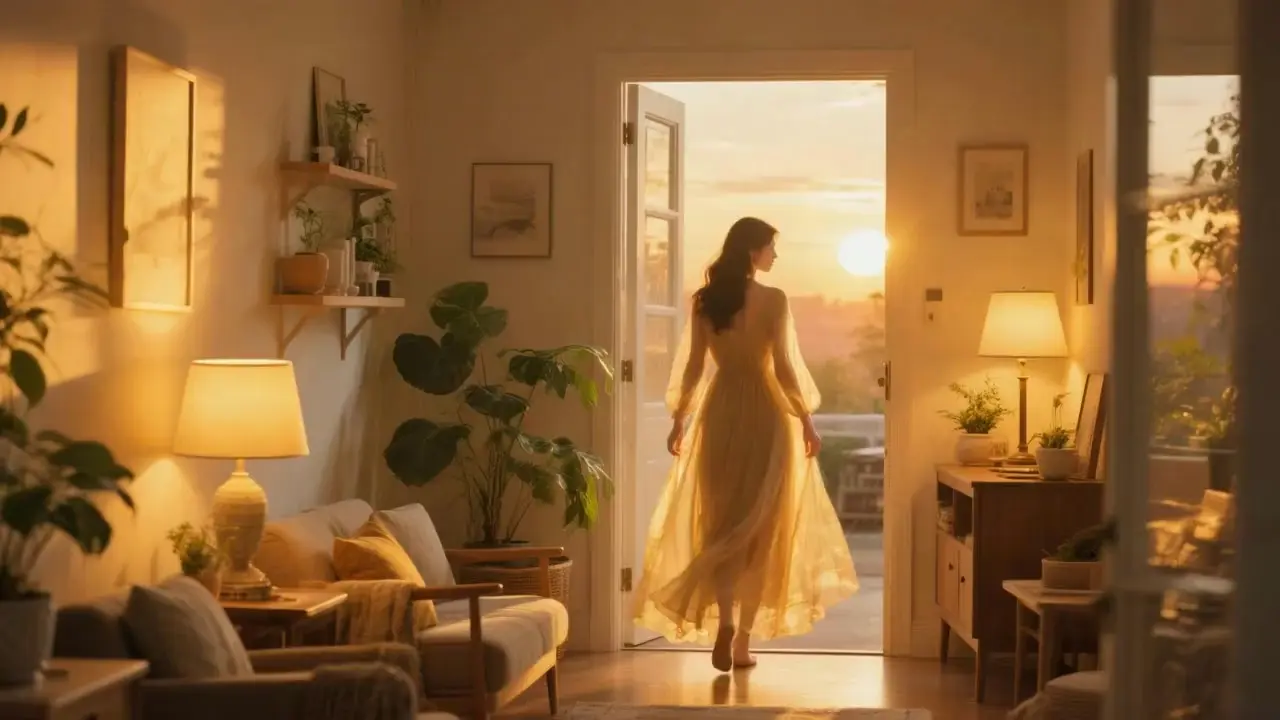
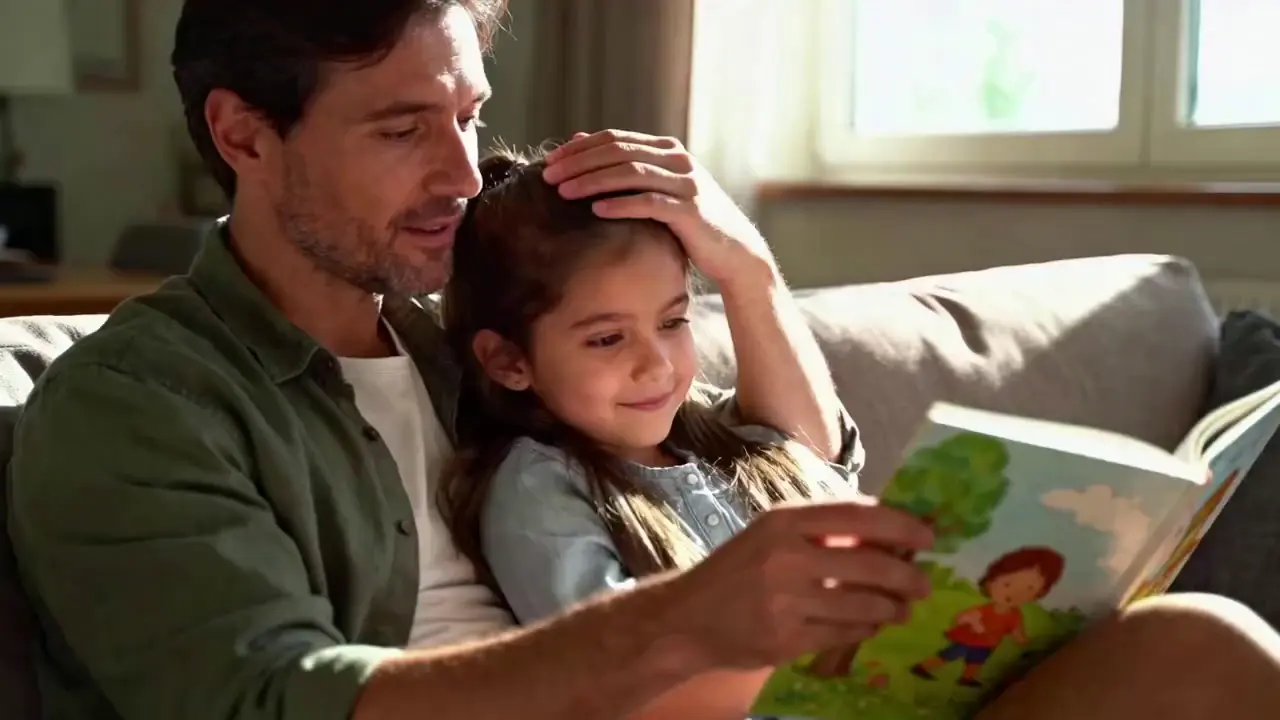
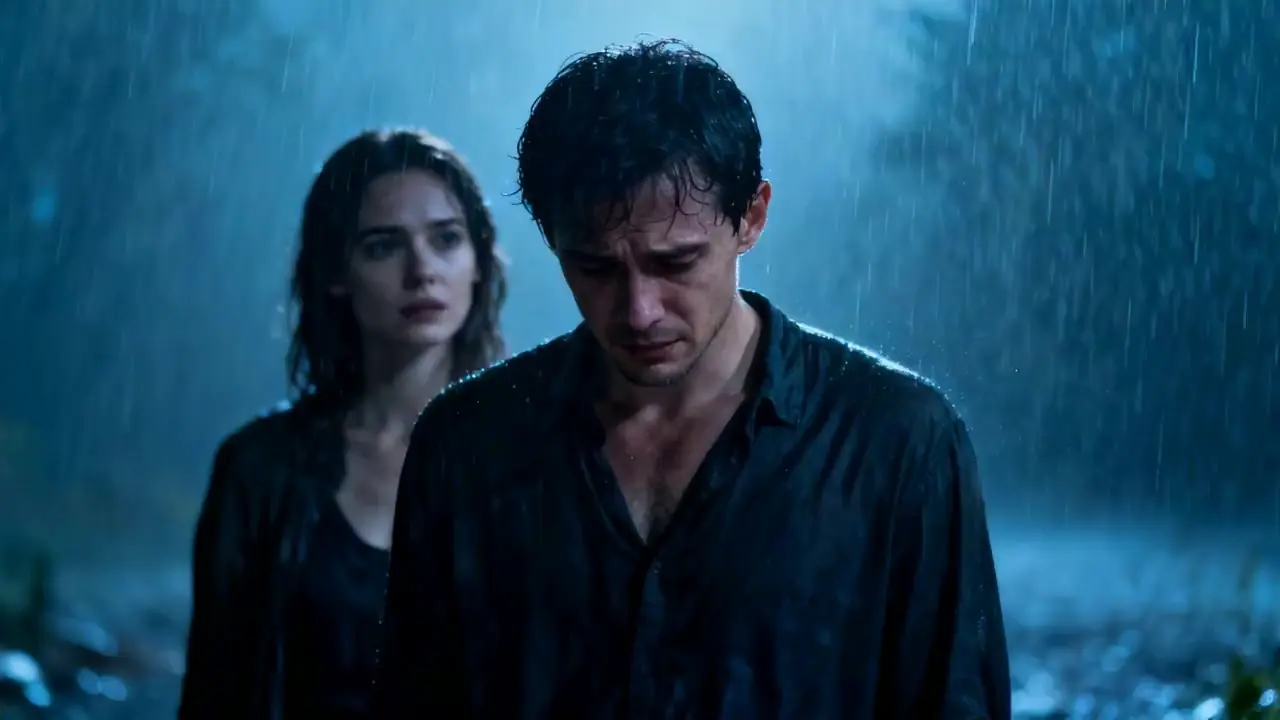
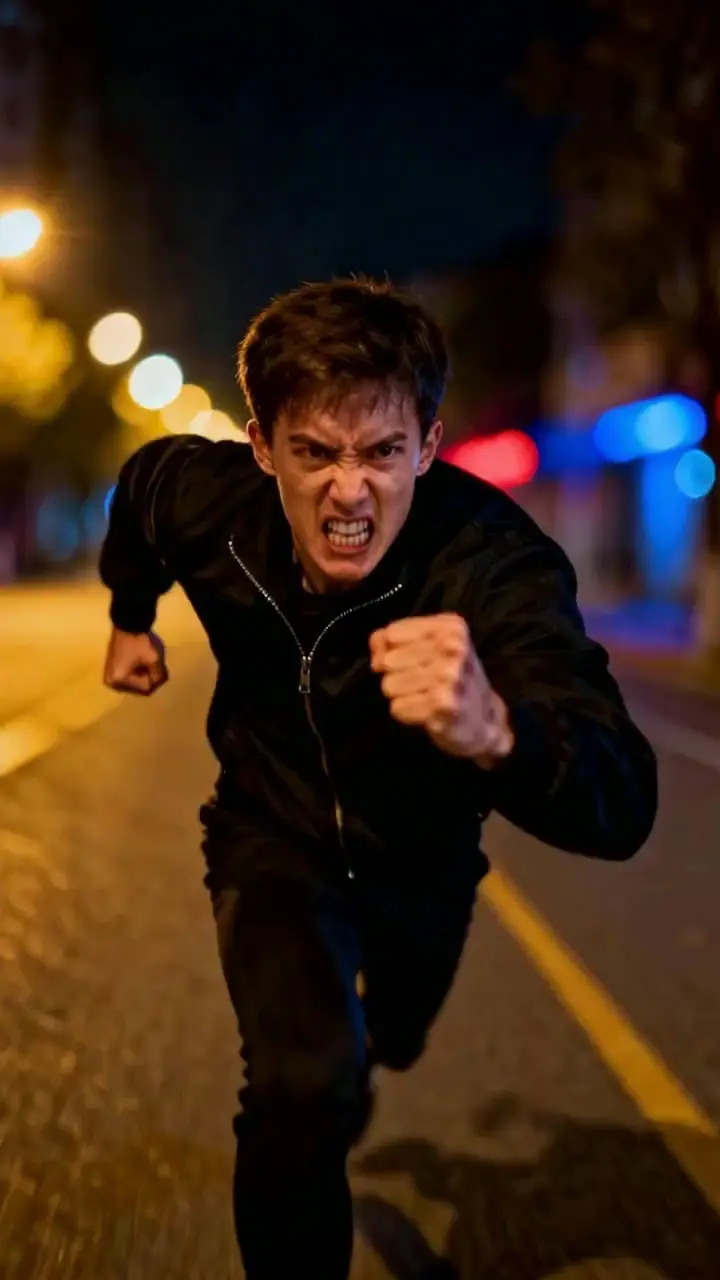
Examples of Videos Made in Seedance 1.5

Video thumbnail
Loading...
Video thumbnail
Loading...
Video thumbnail
Loading...
Video thumbnail
Loading...
Video thumbnail
Loading...
Video thumbnail
Loading...
Video thumbnail
Loading...
Video thumbnail
Loading...
Video thumbnail
Loading...
Video thumbnail
Loading...
Video thumbnail
Loading...
Video thumbnail
Loading...
Video thumbnail
Loading...
Video thumbnail
Loading...
Video thumbnail
Loading...
Video thumbnail
Loading...
Video thumbnail
Loading...
Video thumbnail
Loading...