


pixverse/v5.5/transition
Generate cinematic clips from stills with sound, morph control, and stylistic flexibility.
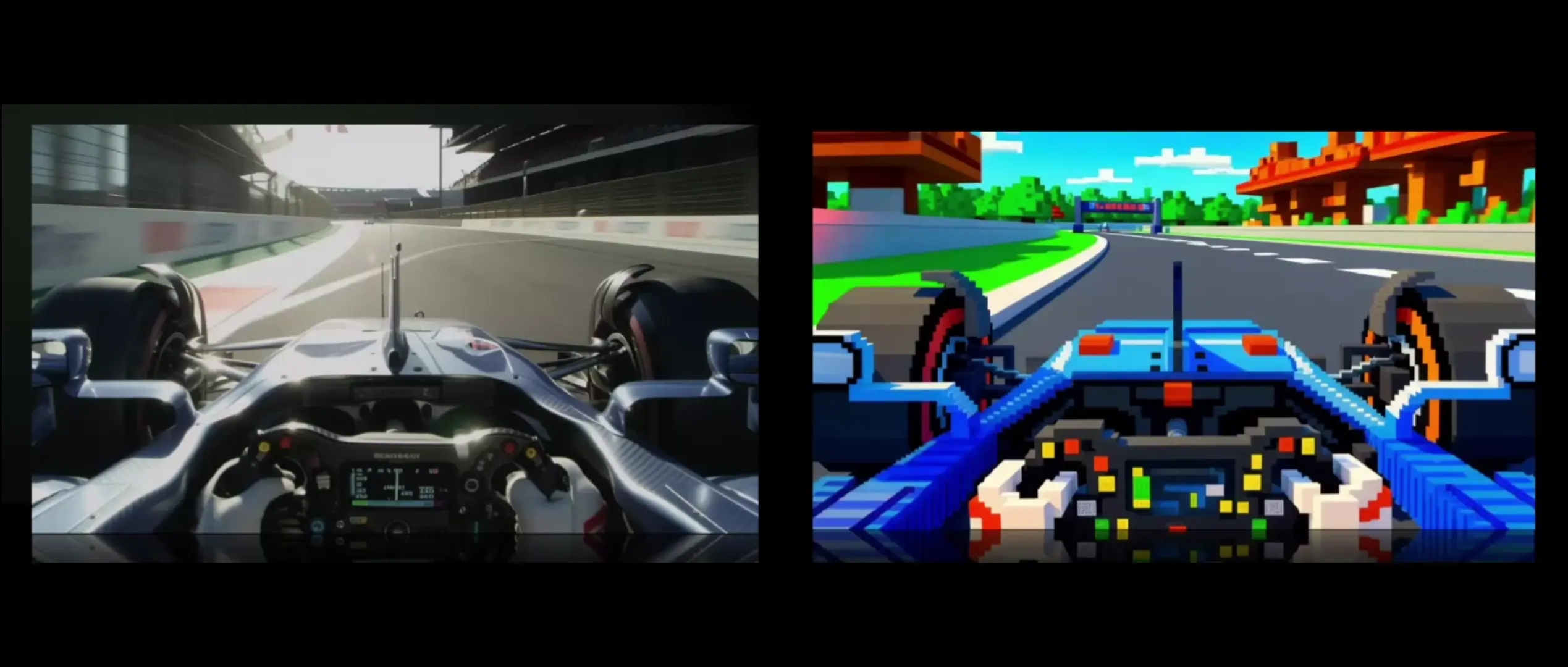
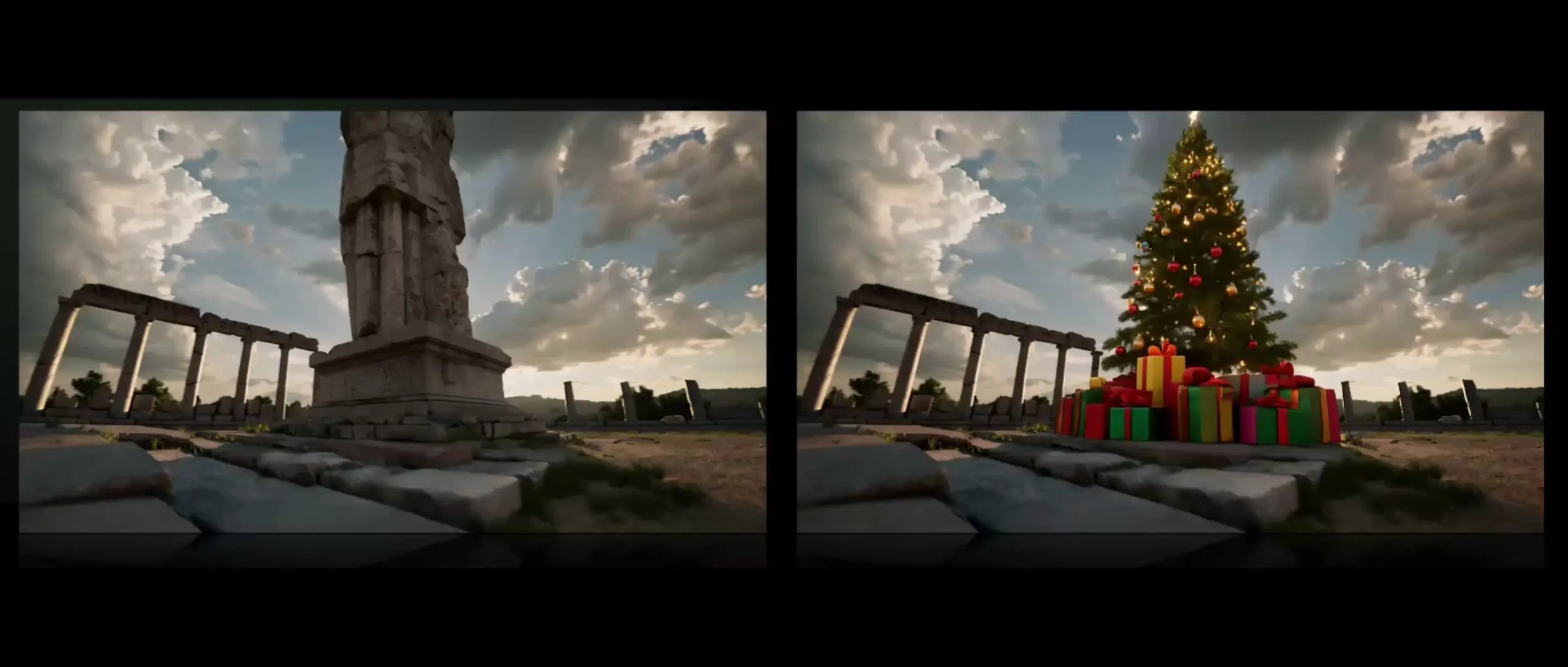
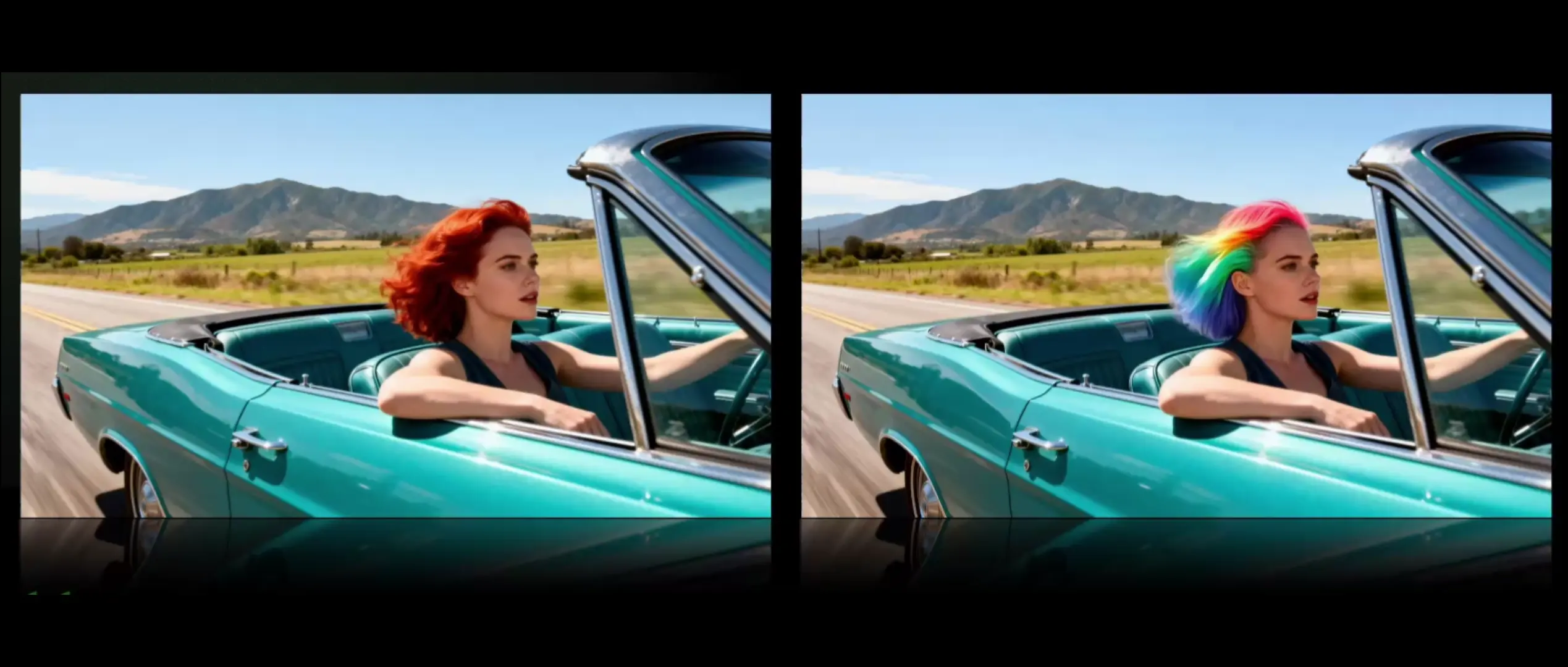
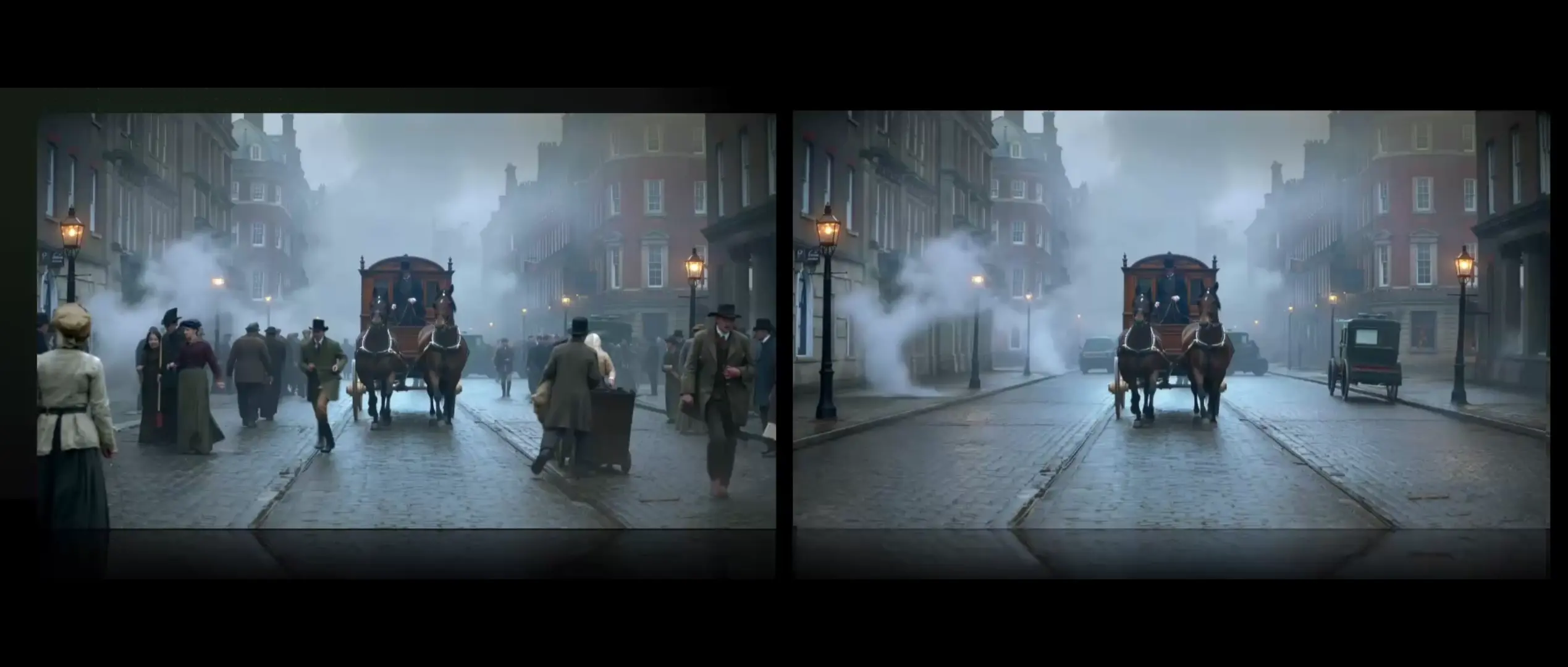
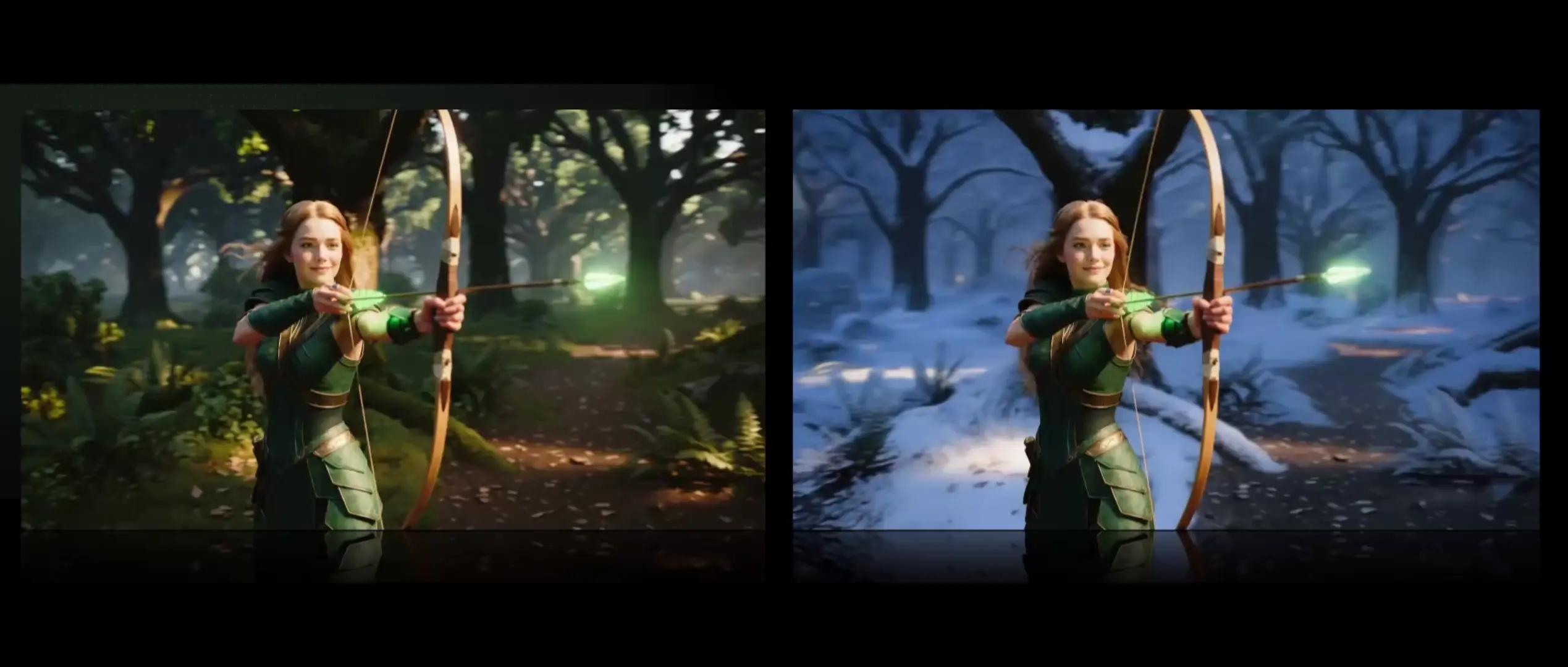
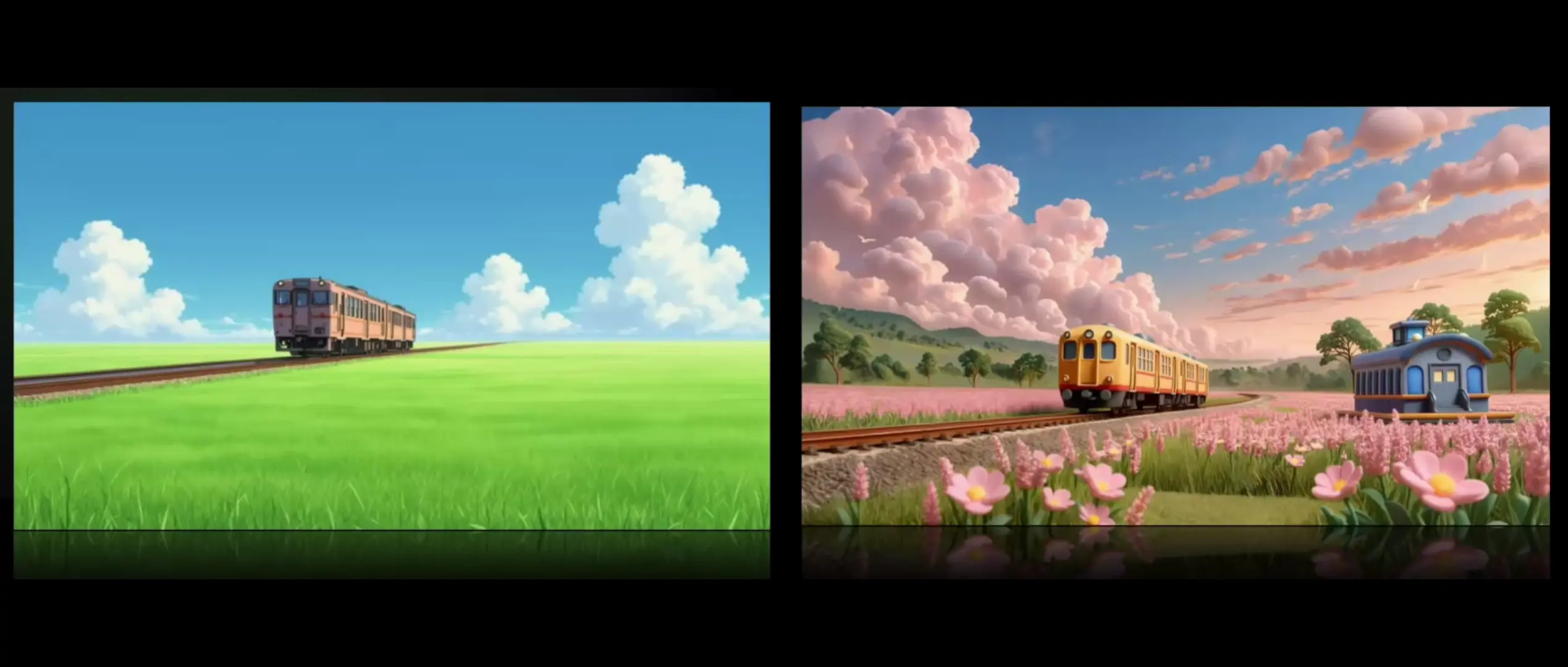
Built for high-fidelity generation, Kling O1 Standard Text To Video converts natural language into cinematic 1080p shots with realistic lighting, natural motion, and controllable cameras. This task transforms text briefs into coherent video sequences so teams can visualize ideas fast without manual post. Within production workflows, Kling O1 Standard Text To Video favors structural consistency, temporal stability, and efficient turnarounds.
Start by specifying subject, action, environment, camera move, and lighting. When prompting Kling O1 Standard Text To Video, write in shot language and use temporal verbs to define motion. Set aspect_ratio and duration explicitly for deliverables. Describe constraints to preserve or exclude elements. Kling O1 Standard Text To Video benefits from concise, prioritized descriptors over long adjective chains.
Example prompts for Kling O1 Standard Text To Video:
Note: You can also explore the Kling O1 Standard Image To Video in the playground for image-to-video here: RunComfy Kling O1 Standard Image To Video.
Generate cinematic clips from stills with sound, morph control, and stylistic flexibility.

Create camera-controlled, audio-synced 1080p clips with smooth multilingual scene flow for design pros.

Generate cinematic shots guided by reference images with unified control and realistic motion.
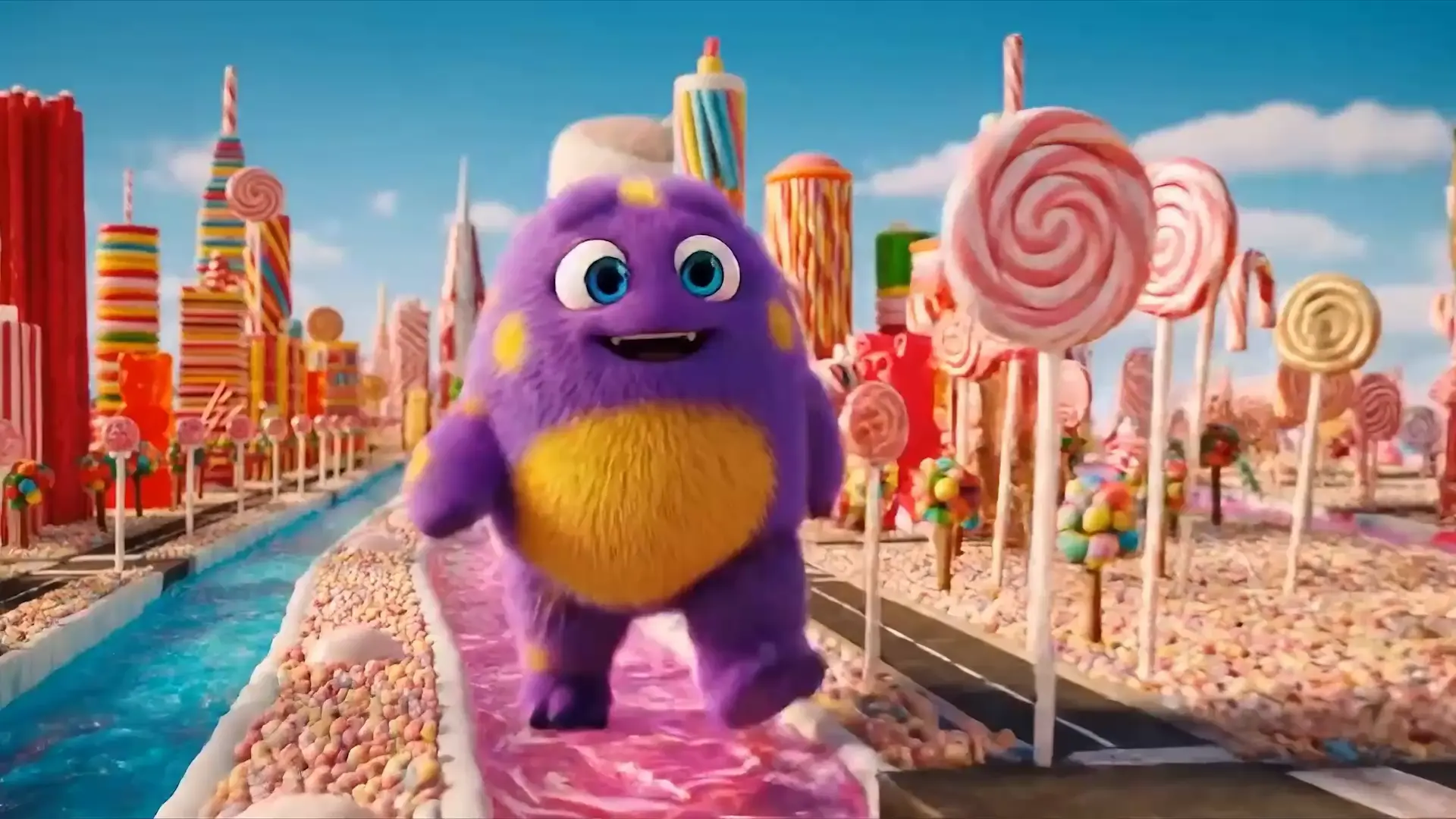
Generate premium-quality videos from text prompts with Google Veo 3.

Turn stills into cinematic motion with Dreamina 3.0's fast, precise 2K creation.

Create 1080p cinematic clips from stills with physics-true motion and consistent subjects.
Kling O1 Standard Text To Video is an AI-powered tool developed by Kuaishou Technology that converts written prompts into cinematic video clips through its text-to-video system. It allows users to describe scenes, actions, and styles in natural language to generate 5–10 second HD videos with realistic motion and lighting.
Compared with older models like Kling 2.0, Kling O1 Standard Text To Video features a unified engine that combines generation and editing, delivering better subject consistency and camera control. Its text-to-video performance produces more stable visuals and adheres more precisely to user prompts.
Kling O1 Standard Text To Video operates on a credit-based system through the Runcomfy playground. New users receive free credits to try its text-to-video capabilities, and additional credits can be purchased for extended use. Pricing details are available in the Generation policy section on Runcomfy’s website.
Kling O1 Standard Text To Video is ideal for filmmakers, advertisers, brand designers, and social media creators seeking consistent and high-quality visuals. Its text-to-video model is also great for quick storyboards, visual concepts, or cinematic product demos that emphasize motion fidelity and realism.
Yes, Kling O1 Standard Text To Video includes integrated video editing and reference input features. Users can use up to ten reference images or short video clips to guide the text-to-video output, add or remove elements, or maintain character and style consistency across shots.
Kling O1 Standard Text To Video can render clips in 480p, 720p, or 1080p resolution with accurate motion, lighting, and camera transitions. The text-to-video results are praised for their cinematic feel and smooth motion coherence, though extremely complex scenes may still appear imperfect.
You can access Kling O1 Standard Text To Video through Runcomfy’s AI playground, which works well on both desktop and mobile browsers. This online platform provides a straightforward interface for testing the text-to-video generation and for managing credits and project files.
Kling O1 Standard Text To Video may struggle with overly complex or contradictory prompts, and text rendering inside scenes can be imperfect. While the text-to-video system is highly advanced, users should avoid overloading prompts and should provide clear camera and style directives for the best output.
Yes, Kling O1 Standard Text To Video includes built-in audio generation through the Kling-Foley system that syncs natural sound effects to motion. This enhances the realism of the text-to-video results without requiring separate sound design layers.
RunComfy is the premier ComfyUI platform, offering ComfyUI online environment and services, along with ComfyUI workflows featuring stunning visuals. RunComfy also provides AI Playground, enabling artists to harness the latest AI tools to create incredible art.